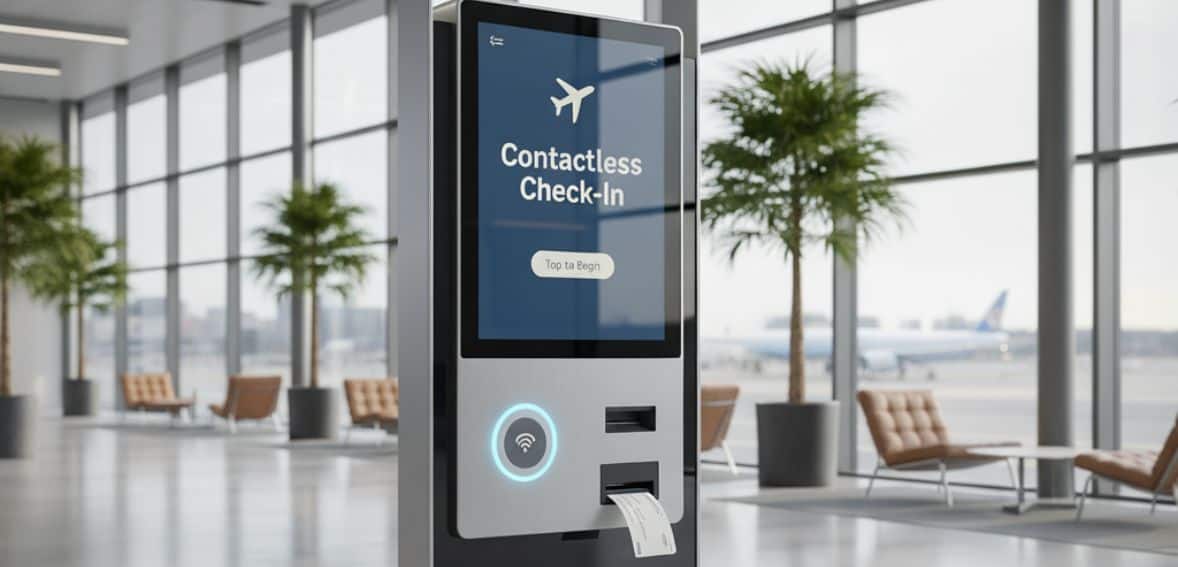
Contactless kiosks are transforming check-in and payment processing in companies. They reduce wait times and physical contact, thus enhancing customer convenience while maximizing operational efficiency. At hotels, restaurants, or in retail, the use of contactless solutions helps companies streamline operations, offers much more safe transactions, and offers a smoother and more quicker experience to all customers.
Growing Popularity on About Hygiene Concerns
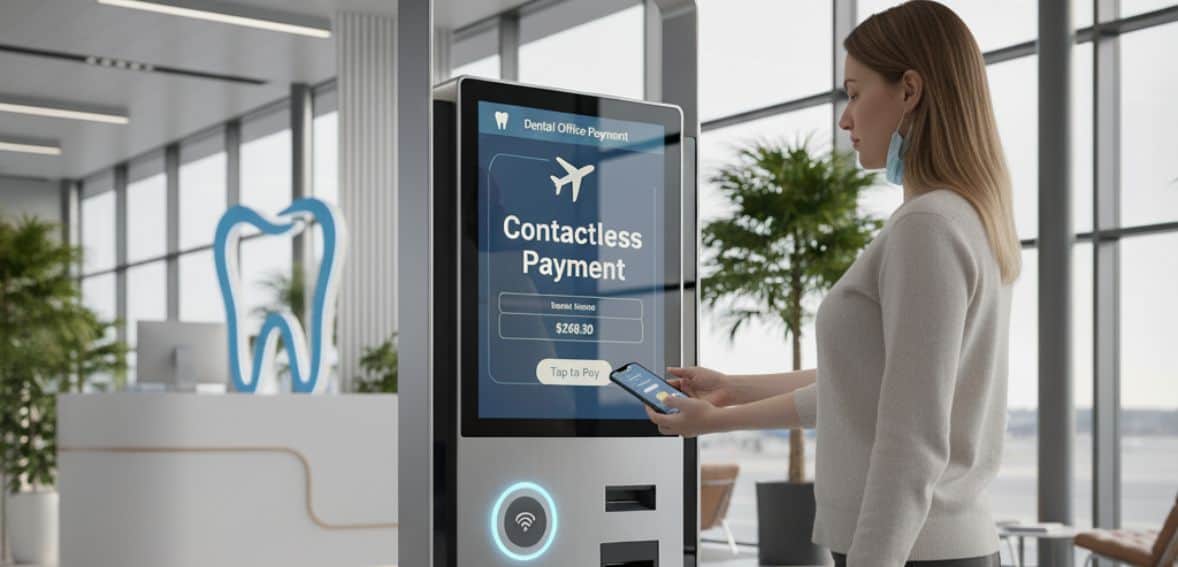
The pandemic which broke out due to COVID-19 changed the way we think about hygiene and safety. Today, contactless payment is not only about speed but also about ensuring safety and cleanliness. Three major contactless payment options are now facilitated by kiosks:
- QR codes
- RFID (Radio Frequency Identification)
- NFC (Near Field Communication)
With these, shoppers only need to wave their card, phone, or even a smartwatch above a reader to pay. No swiping, no keypads to press—just a quick, clean, and convenient process.
Contactless payment is no longer just about cards. People can pay with apps, mobile wallets, and wearables now. For those who have a habit of leaving their wallet or phone at home, the ability to pay through a watch or smart phone has become both important and convenient.
This trend has gained worldwide acceptance. Even countries like the UK, Australia, and Singapore have seen more than 90% adoption rates already, which shows how fast customers are embracing transparent and safer modern payment methods.
Key Features of Contactless Kiosks
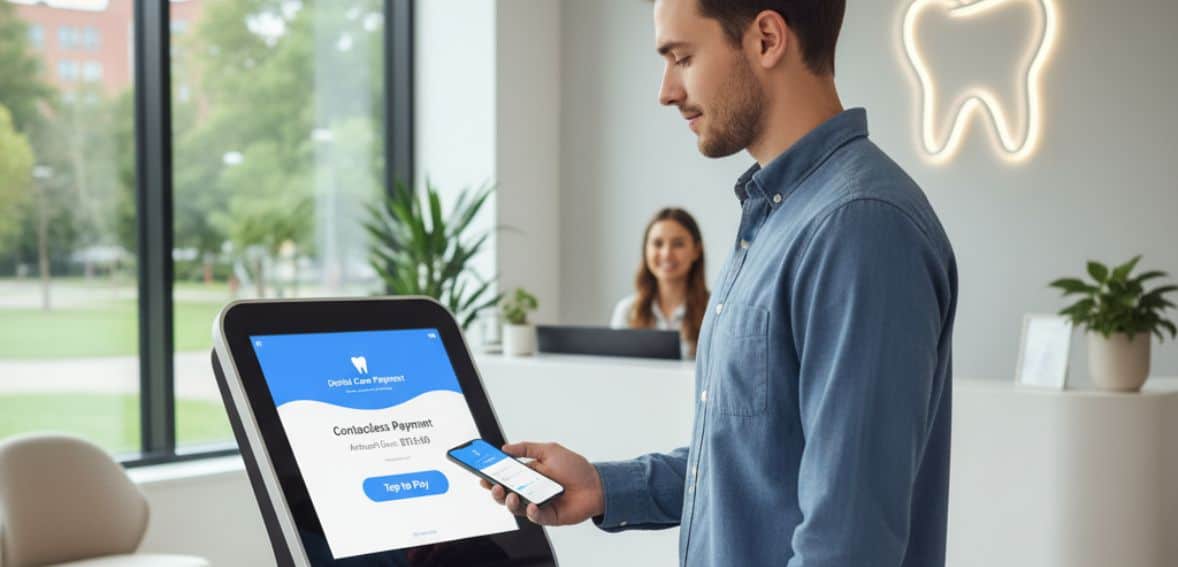
Contactless kiosks are designed to make business operations easier while delivering customers with a safer and more convenient experience. Their biggest benefit is utilizing NFC tools and Mifare technology. These wireless machines enable devices to securely connect for payments, making transactions quick, secure, and reliable.
These kiosks are also followed by personalized interfaces to fit different business needs. Whether through voice recognition and contactless payment, and proximity sensors, the designs can be made to fit brand identity as well as improve accessibility. The new technologies of AI, digital recognition, and data analytics make them even more powerful.
Owing to their high level of flexibility, contactless kiosks are used in checkout counters of shops, medical center registration, transportation networks, and more. They easily fit into existing systems, offering real-time payments and information. For trust establishment, they offer immediate visual or audio confirmation and have strong security features like encryption to protect user data.
Faster Check-ins and Payments with Contactless Kiosks
Contactless kiosks are transforming the manner in which companies engage with customers, simplifying check-in, ordering, and payment to be quicker, more secure, and more convenient. Days of standing in long lines or completing forms are now long forgotten; everything is now completed by customers in a few clicks or by waving their phone or card. This causes services to move faster and ensures uninterrupted operations.
These kiosks also improve hygiene. With less contact, cash does not have to be touched or handled, this results in a more healthier environment for both workers and visitors. This is especially helpful for busy spaces like hotels, restaurants, or medical facilities, where health and safety are major concerns.
Precision is a significant plus as well. Human processes can be prone to errors, like entering wrong information or misplacing records. Online kiosks ensure every record is prepared properly, which results in a more accurate and clean transactions. This assists in building confidence and keeps routine operations in place on a continuous basis.
Contactless kiosks also provide valuable data. Every transaction can reveal new trends in customer activity, payment preference, and service effectiveness. Businesses can apply this data to streamline processes, better manage staff levels, and set up services to meet demand.
Finally, these kiosks lower the burden on staff. Work like check-in and payment is completed automatically, so staff are free to focus on more important or personalized work. Not only does this enhance staff productivity, but it also increases customer satisfaction because staff can spend more time addressing individual needs.
Overall, contactless kiosks benefit businesses by saving them time, money, and reducing costs while giving customers a quicker, cleaner, more accurate, and more rewarding experience. By bringing speed, hygiene, accuracy, and valuable information together, contactless kiosks are becoming an indispensable customer service tool of the modern age.
How Various Industries Leverage Contactless Kiosks to Deliver Better Service
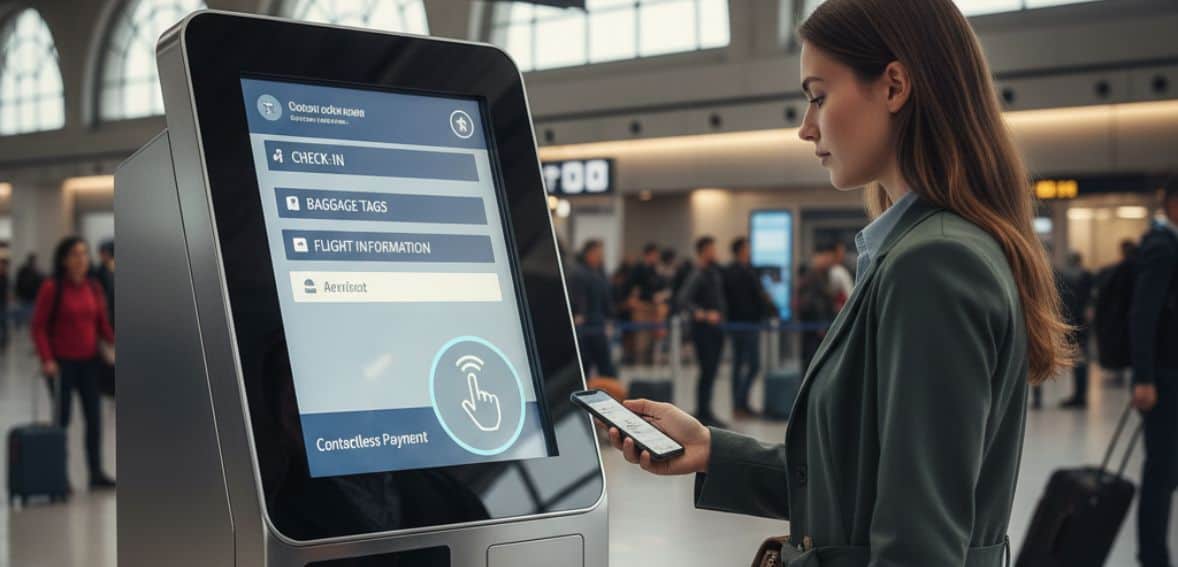
Contactless kiosks are becoming more and important in most industries today and are making everyday activities much more smoother. In the medical field, self-check-in kiosks help patients register more quickly without waiting in long lines. They are used to confirm appointments, print prescriptions, follow up on treatments, and even find health information. Hospitals and clinics can even collect feedback and valuable information from these kiosks, which guarantees much more improved service and overall patient care.
Kiosks are transforming the retail shopping experience as well. They can be utilized by retailers to track the number of visitors, schedule shopping appointments, or even aid in services such as the auto industry. For big-ticket items such as automobiles, kiosks make it much more easy for customers to book time with a representative, which translates into more better quality service and happy customers.
Hotels use kiosks in hospitality to speed up check-ins and checkouts. Users can deposit keys more safely, scan event tickets, reserve tables, or order food through these systems. This allows workers to focus more and more personalized service while customers enjoy more faster and more efficient means of meeting their needs.
Managing Security Issues in Contactless Payment Kiosks
Contactless payment Kiosks are very convenient and easy to use when transacting, but they do pose some big security risks that need to be managed by businesses. Understanding these risks is very important to ensure that the business and its clients both are safeguarded.
One of the common concerns is data breaches. A hacker may try to get access to sensitive customer information, including card details or customer information stored in the kiosk. If this information is not properly stored, it can be hijacked, and can result in business financial loss and tarnish its reputation.
Another danger is that of skimming devices. Fraudsters even stick tiny, hardly visible devices on card terminals to steal payment information. If properly checking is not done from time to time, these devices can go unnoticed, so proper caution is necessary.
Slow or outdated software may also present a threat. Malicious software can be installed, or data can be accessed without authorization by cybercriminals through the exploitation of vulnerabilities in outdated systems. Staying current on the latest updates is essential for having solid security.
Finally, let’s not forget the risk of physical hacking, especially for kiosks that are being installed in public areas. Thieves or hackers might try to pry open the kiosk, alter its hardware, or hack the system altogether. Proper installation and periodic checks prevent such activities.
By staying cautious about these threats and using security features like encryption, periodic software updates, and physical monitoring, businesses are able to protect their contactless kiosks and render them reliable. Proper security not only protects customer data but also provides confidence, which encourages more customers to use kiosks.
Secure Contactless Payment Kiosk Best Practices
To secure contactless payment kiosks safely, businesses must implement certain necessary practices. All payment details need to be encrypted so that no one can intercept them during transactions. Kiosk software needs to get periodic security checks and along with the installation of advanced fraud prevention tools periodically.
Continuous monitoring and maintenance helps to identify both software and hardware problems before they become a major issue. Multi-factor authentication needs to be used for kiosk access and administration, and secure networking tools like firewalls and VPNs protect against cyber threats.
It’s also worth educating customers on safe payment habits, such as avoiding questionable devices or suspicious connections. By doing so, businesses can deliver a much more smooth, safe, and hassle-free experience for all those who use kiosks.
Guide to Implementing Contactless Payment Kiosks
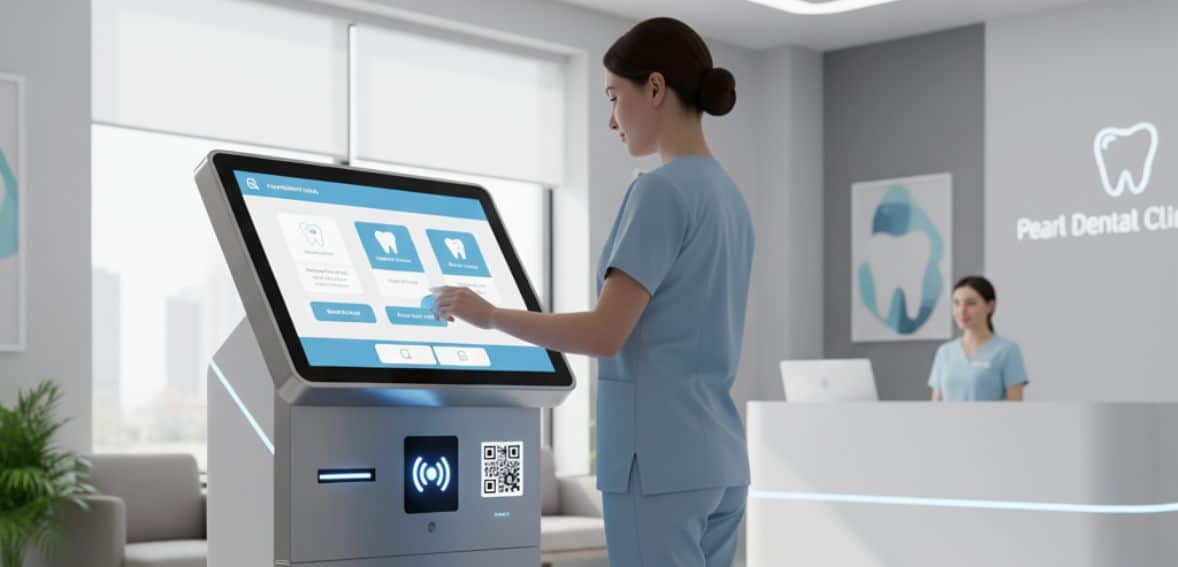
Installing contactless payment kiosks can be easy if you stick with a simple plan. First, define your business needs and objectives. Ask yourself what you need to do—whether it’s reducing wait times, accelerating payments, or providing customers a more smoother experience. Your priorities will guide you in selecting the appropriate kiosk features.
Next, choose the right technology. Choose kiosks that will support contactless payments via NFC, QR codes, or even for smart service. Choose a kiosk that is appropriate for your business functions and easy enough for customers to use. Plan the placement of your kiosks carefully. Install them in convenient spots where customers can access them quickly.
Ensure they integrate well with your existing systems, such as POS, inventory management, or loyalty programs, to make operations seamless. Training of staff is also crucial. Your staff must be capable of operating the kiosks, resolving small issues, and assisting the customers where needed. At the same time, train your customers for hassle-free usage of kiosks so that confusion can be avoided.
Lastly, monitor performance on a regular basis. Monitor the efficiency with which kiosks are being utilized, gather feedback from customers, and improve when required. Regular maintenance and upgrades will ensure the experience is seamless, safe, and efficient for your customers and staff alike.
Do's and Don'ts for Managing Kiosks Effectively
Do's
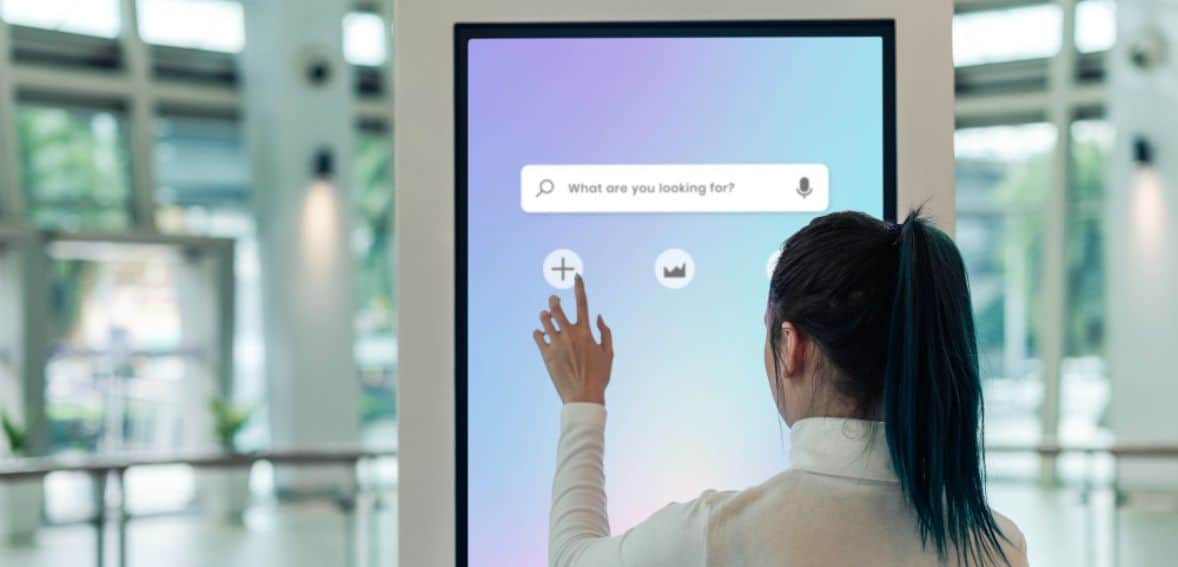
Update your kiosk software periodically to protect against security attacks. Take the time to train your customers in secure payment procedures so they feel comfortable using the system. Opt for customizable kiosks that will enhance your branding.
Don’t forget to inspect your machines regularly for tampering or technical issues. Lastly, integrate your kiosks into mobile wallets and rewards systems to speed up payments and make them more convenient for consumers.
Don'ts
Don’t overlook periodic maintenance or avoid monitoring your kiosks, as small problems can turn into big ones. Don’t turn a blind eye to customer complaints, as these highlight issues you might be overlooking. Avoid making the user interface overly complicated—make it simple to comprehend and use to avoid customer frustration.
Never think your kiosks are completely immune to cyber attacks or physical hacking. Finally, don’t limit payment methods, as it will frustrate consumers and reduce sales.
Conclusion
The use of contactless kiosks for check-in and payment can improve customer experience and operational efficiency to a large degree. Reducing waiting lines, enhancing security, and easing interaction can assist companies in meeting the expectations of today’s customers while saving time and resources. A wise investment in these solutions will ensure speedy services, happy customers, and a competitive edge in today’s fast-paced business environment.
FAQs
What are contactless kiosks?
Contactless kiosks are self-service units where clients can check in, pay, or receive services without physical contact.
In what ways do contactless kiosks improve efficiency?
They remove wait time, automate routine processes, and streamline check-in and payment processes for faster service.
Are contactless kiosks secure for payments?
Yes, the majority of them use encrypted transactions and secure software to protect sensitive customer data.
Can I customize kiosks to fit my business?
Yes, kiosks can be customized, integrated with loyalty programs, and tailored to your service needs.
Do contactless kiosks require maintenance?
Yes, routine software upgrades and periodic inspections are necessary to ensure proper and secure operation.