By Adamaa Grover January 25, 2026
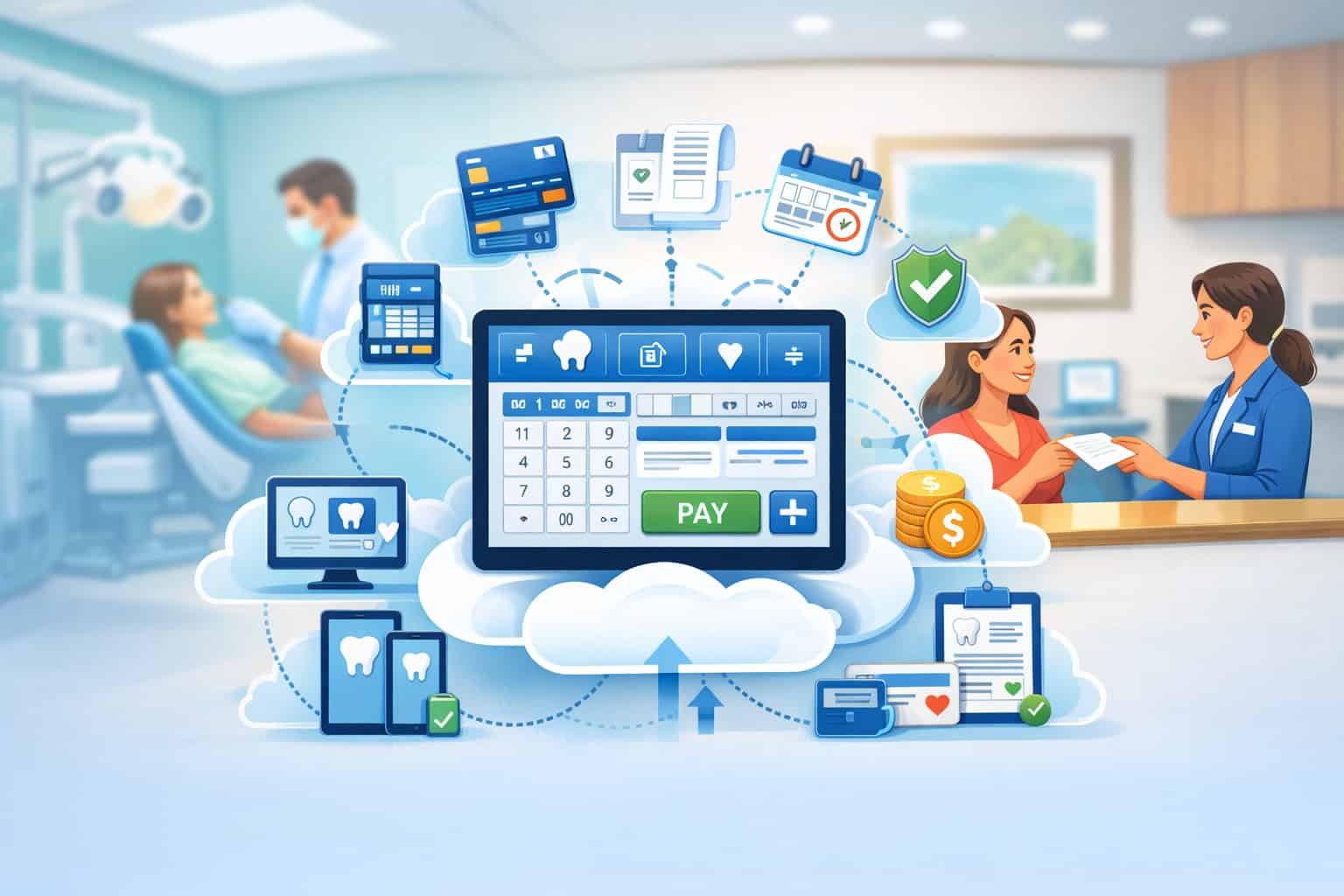
Cloud-based POS systems for dental clinics have become more than a way to swipe a card at the front desk. Today, a modern cloud-based POS system sits at the intersection of scheduling, patient communications, estimates, collections, recurring plans, financing, and security.
It helps you get paid faster, reduce billing mistakes, and deliver a smoother patient experience—without turning your reception area into a paperwork factory.
This guide explains how cloud-based POS systems for dental clinics work, what to look for, what to avoid, and how to plan a rollout that your team will actually adopt.
You’ll also learn how the best cloud-based POS system choices support contactless payments, online payment links, recurring billing for membership plans, and security requirements that matter for both patient data and card data.
Guidance from federal health-privacy regulators supports the idea that cloud solutions can be used while remaining compliant when implemented correctly, including appropriate vendor agreements and safeguards.
If your clinic is still stuck with outdated terminals, manual posting, and “we’ll call you later for the balance” workflows, a cloud-based POS system can be the operational upgrade that pays for itself through fewer missed collections, less staff stress, and a more modern patient journey.
What a Cloud-Based POS System Means in a Dental Clinic
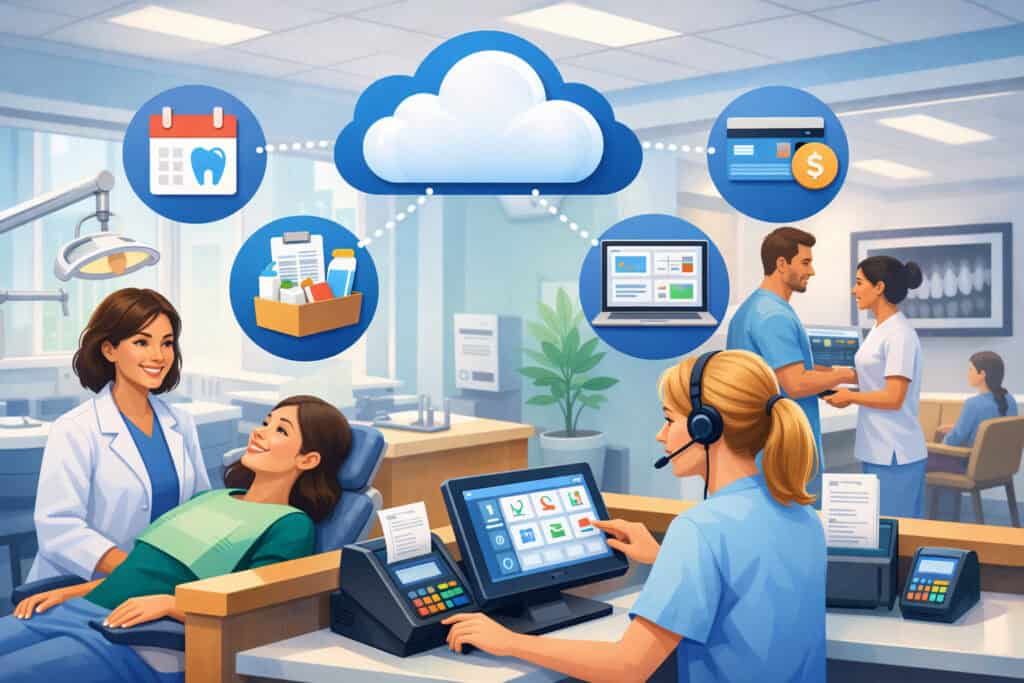
A cloud-based POS system for dental clinics is a point-of-sale and payment workflow that runs on internet-connected devices and securely stores configuration, reporting, and transaction tooling in a hosted environment rather than on a single office server.
In plain terms: you can take payments at the front desk, send a text-to-pay link after treatment, collect a card on file for phased treatment plans, and see reporting from anywhere you have permission—without being tied to one workstation.
In a dental setting, the “POS” isn’t only about payment acceptance. It’s also about how the payment step connects to patient estimates, insurance expectations, family accounts, deposits for appointments, and outstanding balances.
A cloud-based POS system helps unify those touchpoints so your team doesn’t have to jump between screens, retype patient details, or manually reconcile settlements at the end of the day.
Modern cloud-based POS systems for dental clinics are also evolving because patient preferences are changing. Many patients now expect contactless payments, digital wallets, and online self-service options like payment links and portals.
Dental payment solution providers increasingly highlight tap-to-pay, online payments, recurring billing, and automated posting as core expectations, not premium add-ons.
A key advantage of cloud-based POS systems for dental clinics is that updates happen centrally. When regulations shift, card security standards change, or your clinic adds new locations, a cloud architecture makes it easier to standardize workflows without rebuilding everything from scratch.
Why Dental Clinics Are Moving to Cloud-Based POS Systems Now
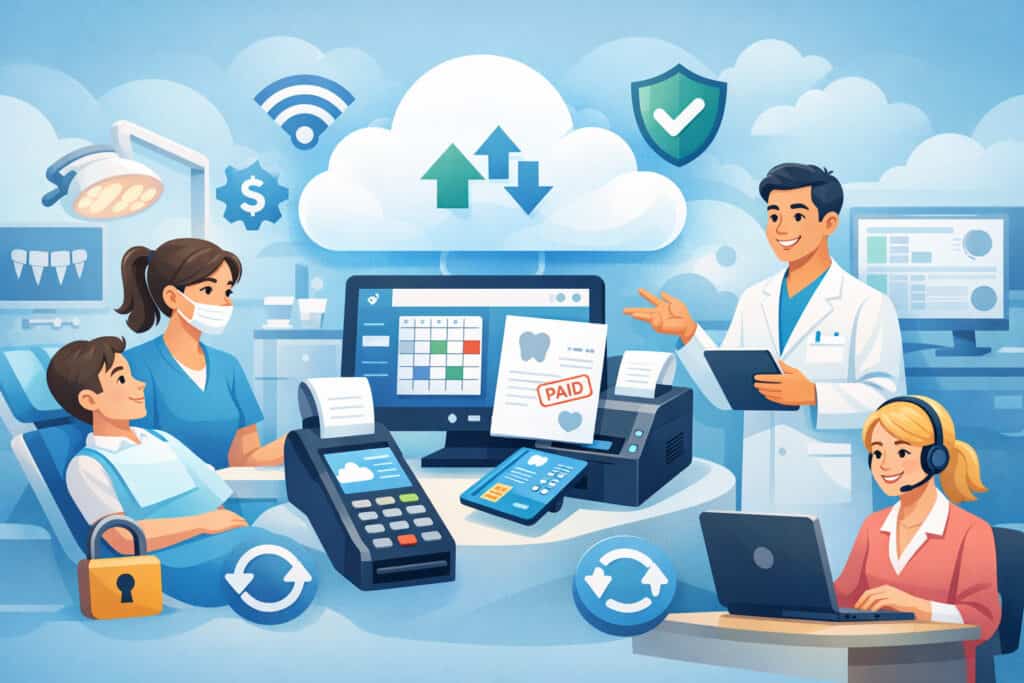
Dental clinics are adopting cloud-based POS systems because the old approach creates friction at exactly the wrong time—when a patient is checking out, possibly anxious, and trying to understand costs. The front desk becomes a bottleneck when staff must chase down balances, print paperwork, key in transactions, and manually match payments to accounts.
A cloud-based POS system reduces these delays by supporting:
- Contactless and digital wallet acceptance (faster checkout)
- Online bill pay links (patients pay from their phone)
- Recurring billing for membership plans, ortho, aligners, and phased procedures
- Automated receipts and confirmations via email/text
- Centralized reporting across providers and locations
Payment trends are pushing this shift too. Industry conversations around dental payments increasingly focus on contactless experiences, mobile wallets, and patient-friendly financing workflows, because those options can increase on-time collections and reduce uncomfortable follow-up calls.
Cloud-based POS systems for dental clinics also reduce dependency on local servers and “one person who knows how it works.” That matters when staff changes, when you open a second location, or when you need to support temporary check-in stations during peak hours.
Instead of one fragile setup, you get a repeatable payment workflow with role-based access, consistent permissions, and standardized reporting.
Most importantly, a cloud-based POS system supports patient experience. A modern checkout feels like the rest of modern life: a tap, a confirmation, and a clear receipt—rather than a confusing paper trail.
Core Capabilities Every Cloud-Based POS System for Dental Clinics Should Offer
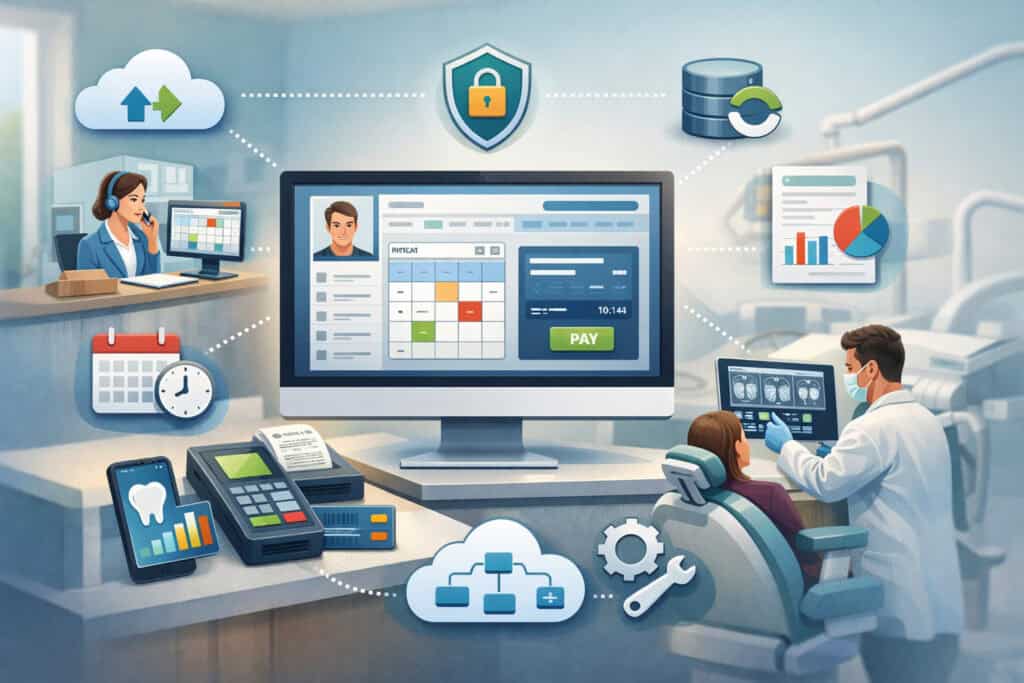
Not all cloud-based POS systems for dental clinics are built with healthcare-style workflows in mind. A generic retail POS may handle inventory beautifully and still fail at family accounts, deposit logic, payment plans, or reconciliation with clinic billing processes.
When evaluating a cloud-based POS system, focus on these core capabilities:
Payment acceptance that matches patient behavior
You should be able to accept chip cards, contactless tap, and digital wallets. Patients also increasingly want remote payment options: email/text payment links, online portals, and saved payment methods for future balances. Dental payment solution providers commonly position these capabilities as expected features for modern practices.
Multiple payment workflows
A dental clinic needs more than “pay now.” Look for deposits, partial payments, split tenders (two cards, card + HSA/FSA, etc.), stored credentials for future charges, and recurring billing. These workflows reduce A/R and help you collect predictably.
Reporting that answers clinic questions
A strong cloud-based POS system provides reports by provider, location, time period, and payment type. It should also separate refunds, voids, chargebacks, and tips (if applicable for elective services). You want clear reconciliation between daily collections and your bank deposits.
Security and role-based access
Dental teams have multiple roles: front desk, office manager, billing, providers, and sometimes outsourced support. A cloud-based POS system should support user permissions so not everyone can refund, export data, or change settings.
Integration readiness
Even if you don’t integrate on day one, choose cloud-based POS systems for dental clinics that can connect to practice management, scheduling, invoicing, and accounting tools over time. Integration reduces manual posting and errors.
A helpful rule: if your team has to “work around” the POS to do normal dental tasks, it’s not a dental-ready cloud-based POS system.
Cloud POS vs. Traditional Terminals and Server-Based Setups

Many clinics still run a mix of old terminals, office PCs, and server-based tools. That setup can work, but it comes with structural limits that become more painful as your clinic grows.
Traditional terminal-only model
Terminal-only payments are often disconnected from your patient record workflow. Staff may manually key patient names, print receipts, and then later reconcile transactions. This creates common problems: misapplied payments, incomplete notes, and missed follow-ups on remaining balances.
Server-based or “local install” systems
Server-based tools can feel stable—until the server needs maintenance, the office internet goes down, or remote access becomes a security headache. Updates may require IT involvement. Reporting can be harder across multiple locations. And if the system is tied to one machine, the front desk becomes a single point of failure.
Cloud-based POS systems for dental clinics
With a cloud-based POS system, the clinic can standardize checkout workflows across devices and locations. You can often run a front-desk station, a second station during peak time, and a mobile device for overflow—without reinventing your process.
Cloud doesn’t automatically mean “better,” but for many dental clinics, the cloud-based POS system model aligns with how clinics operate now: multiple operators, multiple channels (in-person + online), and a need for consistent reporting.
Security, Privacy, and Compliance: What Dental Clinics Must Get Right
Cloud-based POS systems for dental clinics touch two types of sensitive information:
- Patient information (which can become regulated health information depending on context)
- Cardholder data (regulated by PCI DSS requirements)
A smart clinic treats security as part of the purchasing decision, not an afterthought.
HIPAA-related considerations for cloud solutions
Federal guidance discusses how covered entities and business associates can use cloud computing while remaining compliant, emphasizing appropriate safeguards and relationships with vendors.
In a dental clinic context, the practical takeaway is simple: if your cloud-based POS system handles or stores data that qualifies as protected health information, you need to understand vendor responsibilities and whether a Business Associate Agreement is required.
Guidance documents also emphasize the obligation to ensure business associates comply with applicable requirements when relevant.
PCI DSS and card security
Card security requirements evolve, and the PCI DSS 4.0 transition introduced future-dated requirements that became more significant around 2025. Keeping up is easier when your cloud-based POS system provider manages compliant infrastructure and supports modern security controls.
What to ask vendors
When evaluating cloud-based POS systems for dental clinics, ask:
- Do you support tokenization so the clinic doesn’t store raw card data?
- Are devices EMV and contactless enabled?
- What authentication options exist (MFA, role permissions)?
- How do you handle logs, access reviews, and security updates?
- Do you provide documentation that helps clinics meet card security expectations?
A dental clinic doesn’t need to become a cybersecurity company, but it does need to choose cloud-based POS systems that reduce risk rather than add hidden liabilities.
Patient Experience: How Cloud-Based POS Systems Reduce Friction and Increase Collections
Patient experience is not only clinical. Billing and checkout strongly shape how patients feel about your clinic. A confusing payment conversation can undo a great clinical visit.
Cloud-based POS systems for dental clinics improve patient experience by making the payment moment clearer, faster, and more flexible:
Clear estimates and smoother checkout
If your workflow supports presenting an estimate, collecting a deposit, and sending a digital receipt instantly, patients feel informed rather than surprised. That reduces disputes and awkward follow-up calls.
Contactless and mobile-first options
Patients who prefer digital wallets or contactless tap can pay in seconds. Clinics also benefit because contactless payments can speed up lines and reduce bottlenecks. Dental payment solution resources increasingly highlight contactless options and mobile workflows as a major shift in how dental practices collect payments.
Remote payment links
A cloud-based POS system can support “pay later today” without relying on paper statements. You can text or email a payment link for balances after insurance processes. This is especially useful for busy families and for patients who want time to review.
Recurring plans for membership and ortho
Many clinics use membership plans or phased treatment. Cloud-based POS systems for dental clinics that support recurring billing create a predictable payment rhythm. Patients like predictable monthly charges. Clinics like predictable cash flow.
When patients can choose how to pay, they’re more likely to pay on time. That’s not just convenience—it’s revenue stability.
Integrations That Matter: Practice Management, Patient Communications, Accounting, and Financing
A cloud-based POS system becomes dramatically more valuable when it reduces manual work. Integrations are how that happens. But not every integration is equally important.
Practice management integration
This is the big one. Your clinic wants to reduce double-entry. Even if full integration isn’t possible right away, a cloud-based POS system should at least support consistent patient identifiers, exportable reports, and reconciliation workflows.
Some practice management ecosystems are better supported than others. Current lists and discussions in the dental software market show a mix of long-established solutions and newer cloud-first tools, with varying levels of integration flexibility.
Patient communications
If your cloud-based POS system can send receipts, payment links, appointment deposits, and reminders, you reduce calls and improve collection speed. This also supports a “digital front desk” experience that patients increasingly expect.
Accounting integration
Even a simple export to accounting software can save hours. The goal is fewer manual steps between daily collections and bookkeeping. A cloud-based POS system should provide clean settlement reporting, fee transparency, and refund tracking.
Patient financing integration
Financing is becoming a more visible part of dental payments, especially for larger treatment plans. Industry sources discuss how financing options can help match patient needs while supporting streamlined financial processes.
When a cloud-based POS system supports financing workflows—applications, approvals, and payment posting—the clinic can offer more options without making checkout chaotic.
Integration isn’t only about convenience. For cloud-based POS systems for dental clinics, integration is how you eliminate errors that quietly drain revenue.
Must-Have Payment Features for Dental Clinics in 2026
A dental-ready cloud-based POS system should support specific payment features that match how dental care is sold and delivered. These features also impact your ability to rank well in local search, because patient reviews often mention “easy payments” and “clear billing.”
HSA/FSA acceptance and compliance-minded workflows
Many patients use benefit cards. Your POS should support the payment types your patients actually bring.
Card-on-file done the right way
Stored credentials can be incredibly useful for recurring plans and follow-up balances, but they must be handled securely. Look for tokenization and clear consent workflows.
Deposits and no-show reduction tools
Deposits for appointments can reduce no-shows and late cancellations. A cloud-based POS system that supports appointment-linked deposits and automated confirmations can protect schedule utilization.
Split payments and family accounts
Dental billing often involves families. Your system should handle multiple payers and split transactions cleanly—without forcing staff to hack around the workflow.
Text-to-pay and email invoices
Patients want self-service. Payment links reduce phone calls and speed up collections. Many modern dental payment solution providers highlight online and mobile bill pay as core functions.
A cloud-based POS system for dental clinics should be built for these realities. If the vendor treats dental as “just retail with a chair,” you’ll feel it quickly.
How to Evaluate Vendors: A Practical Checklist for Choosing the Right System
Choosing cloud-based POS systems for dental clinics is not only a feature comparison. It’s an operational decision that affects staff workflows every day. Use a structured evaluation so you don’t end up with a shiny system that frustrates your team.
Start with your clinic’s workflow map
Write down your current payment journey:
- Deposit collection?
- Same-day checkout?
- Post-insurance balances?
- Payment plans?
- Recurring membership billing?
Then evaluate whether the cloud-based POS system supports those steps without a workaround.
Ask for a live demo that matches dental scenarios
Don’t accept a generic retail demo. Ask the vendor to demonstrate:
- Collecting a deposit for an appointment
- Taking a partial payment and leaving a balance
- Sending a payment link
- Setting up recurring billing
- Refunding or adjusting a charge with permissions
Review reporting and reconciliation
Many clinics discover reporting issues after launch. Ask to see end-of-day reporting, batch settlement views, and exports that your bookkeeper will use. If possible, compare sample reports to your current deposit and statement format.
Confirm security posture
Ask how the vendor supports modern security and compliance needs. PCI DSS 4.0 timelines and requirements have driven many merchants to revisit controls like authentication and access management. A cloud-based POS system that supports strong authentication and clean access controls helps reduce risk.
Understand support quality
Front desk problems happen during business hours. Ask about phone/chat support, response times, onboarding, and training resources. Support is part of your payment uptime.
When you evaluate cloud-based POS systems for dental clinics with real dental workflows, the best option becomes obvious fast.
Implementation Plan: How to Roll Out a Cloud-Based POS System Without Disrupting the Clinic
Even the best cloud-based POS systems for dental clinics fail if implementation is rushed. A disciplined rollout reduces staff frustration and prevents revenue leakage during the transition.
Step 1: Prepare your data and workflows
Before go-live, define:
- User roles and permissions
- Refund and adjustment policy
- Deposit rules (when, how much, and how documented)
- How you will handle post-insurance balances
- Who owns reconciliation daily
This is where clinics often realize they need clearer internal processes—not just new software.
Step 2: Train by role, not by software menu
Front desk staff need the daily flow. Office managers need reporting and troubleshooting. Billing needs follow-up workflows. Training should mirror real clinic scenarios, not just “click here, then click there.”
Step 3: Run a parallel week (when possible)
For a short period, compare the new cloud-based POS system reporting with your existing deposits and settlement expectations. Catch mismatches early.
Step 4: Launch in phases
Start with in-person transactions, then add payment links, then add recurring plans. This avoids overwhelming staff. It also lets you measure wins in steps.
Step 5: Measure the results
Track:
- Days to collect post-visit balances
- Payment link conversion rate
- Refund rate and chargeback rate
- Staff time spent on reconciliation
- Patient feedback about checkout
Cloud-based POS systems for dental clinics succeed when the clinic treats implementation like an operational upgrade—not a quick “swap the terminal” project.
Costs, Pricing Models, and ROI: What to Expect Financially
Dental clinics choose cloud-based POS systems to improve collections and efficiency, but pricing can be confusing. A smart evaluation looks at total value, not just the processing rate.
Common cost categories
- Payment processing fees (rate depends on card type and payment method)
- Monthly software/platform fees
- Hardware costs (terminals, tablets, printers if needed)
- Implementation and training costs
- Optional add-ons (text messaging, invoicing, recurring billing, analytics)
Hidden costs to watch
A cloud-based POS system may look inexpensive until you discover added charges for features you assumed were standard. Ask about:
- Payment links
- Recurring billing
- Tokenized card-on-file storage
- Multi-location reporting
- Additional user licenses
- Chargeback support tools
Where ROI usually comes from
The ROI for cloud-based POS systems for dental clinics often comes from:
- Faster collections (especially post-insurance balances)
- Fewer missed deposits and fewer posting errors
- Reduced administrative hours
- Improved patient satisfaction and retention
- More predictable revenue via recurring plans
Modern dental payment resources emphasize automation and online payment capabilities because those tools reduce friction and speed up revenue.
The best way to calculate ROI: estimate staff hours saved per week and balances collected faster per month. Even modest improvements can justify the switch quickly.
Common Mistakes Clinics Make When Adopting Cloud-Based POS Systems
Cloud-based POS systems for dental clinics can be transformational, but clinics sometimes sabotage results through avoidable choices.
Mistake 1: Choosing a generic POS not built for dental workflows
If the system can’t handle deposits, partial payments, or family accounts well, staff will create workarounds. Workarounds create errors. Errors create lost revenue and patient frustration.
Mistake 2: Ignoring reporting until after go-live
Reporting is the difference between “we took payments” and “we can reconcile confidently.” If reports don’t match your operational needs, you’ll waste hours every week.
Mistake 3: Not defining refund and adjustment permissions
If anyone can refund, risk increases. If no one can refund, patient experience suffers. A cloud-based POS system should support role-based controls so the clinic stays consistent.
Mistake 4: Undertraining the front desk
Front desk staff are the daily operators. If they’re uncertain, checkout slows down, confidence drops, and patients feel the hesitation.
Mistake 5: Treating security as “the vendor’s problem”
While vendors handle infrastructure, the clinic controls user access, device security, and workflow discipline. PCI DSS and healthcare privacy expectations require shared responsibility thinking.
Avoiding these mistakes helps cloud-based POS systems for dental clinics deliver results quickly and sustainably.
Future Predictions: Where Cloud-Based POS Systems for Dental Clinics Are Headed
The next wave of cloud-based POS systems for dental clinics will be shaped by patient expectations, security standards, and automation.
More “invisible payments” and faster front desks
Expect more clinics to use tap-to-pay everywhere, plus remote pay options that reduce desk congestion. Payment links, QR codes, and digital receipts will become standard because they reduce friction and staff workload. Dental payment trend discussions already emphasize contactless and mobile-first payment experiences.
AI-driven payment workflows
AI will increasingly support front-desk tasks like predicting which balances are likely to go unpaid, prompting staff with next-best actions, and automating patient reminders based on behavior patterns. This won’t replace staff—but it will reduce repetitive work.
Stronger security defaults
With evolving PCI DSS 4.0 requirements and ongoing cyber risk, vendors will continue pushing stronger authentication, better logging, and more controlled access by default.
Clinics will also demand clearer security documentation and easier compliance support.
Deeper integrations and unified patient financial journeys
The boundary between “POS” and “patient financial platform” will keep fading. More cloud-based POS systems for dental clinics will tightly connect to practice management, patient communications, and financing so the patient can move from estimate → approval → payment plan → receipts in one coherent journey.
More subscription-style dentistry and recurring revenue
Membership plans are likely to grow, which makes recurring billing features more important. Clinics that implement recurring plans with clear patient communication can stabilize revenue during seasonal slowdowns.
The clinics that win will treat payments as part of patient experience—not a back-office chore.
FAQs
Q.1: What is the difference between a cloud-based POS system and a regular credit card terminal?
Answer: A regular terminal is primarily a device that processes card payments. Cloud-based POS systems for dental clinics include software-based workflows—payment links, receipts, reporting dashboards, user permissions, recurring billing, and multi-device support.
The cloud approach also makes it easier to standardize settings across locations and to access reporting securely without being tied to a single workstation.
Q.2: Can a cloud-based POS system support recurring billing for membership plans and orthodontics?
Answer: Yes—many cloud-based POS systems for dental clinics support recurring billing, stored payment credentials via tokenization, and automated receipts. This is especially valuable for membership plans, aligner programs, ortho, and multi-visit treatment plans where patients prefer predictable monthly charges rather than large one-time payments.
Q.3: Do cloud-based POS systems help reduce accounts receivable for dental clinics?
Answer: They can. When you offer more ways to pay—tap-to-pay, digital wallets, text-to-pay links, and online portals—patients are more likely to pay sooner. Automation like payment reminders and digital invoices also reduces staff time spent on follow-up.
Many modern dental payment solution guides emphasize online and automated payment functions because they speed up collections.
Q.4: Are cloud-based POS systems secure enough for a dental clinic?
Answer: They can be, as long as you choose a reputable vendor and implement strong clinic-side controls (permissions, device security, and policy discipline). Federal guidance discusses using cloud computing in a compliant way when safeguards and appropriate vendor relationships are in place.
For card data, PCI DSS expectations continue evolving, and many merchants have focused on PCI DSS 4.0 timelines and requirements in recent years.
Q.5: What features matter most when choosing cloud-based POS systems for dental clinics?
Answer: Focus on dental workflow essentials: deposits, partial payments, family accounts, payment links, recurring billing, clean reconciliation reporting, role-based permissions, and integration options with practice management and accounting tools. If the system can’t support your real dental checkout scenarios smoothly, it will create workarounds and errors.
Q.6: How long does it take to switch to a cloud-based POS system?
Answer: Implementation timelines vary, but many clinics can roll out core in-person payment workflows quickly and then add advanced features (payment links, recurring billing, financing workflows) in phases. The key is training by role, validating reporting before full go-live, and setting clear internal policies around refunds, deposits, and reconciliation.
Conclusion
Cloud-based POS systems for dental clinics are no longer optional “nice-to-have” upgrades. They’re becoming the standard foundation for modern patient payments, faster collections, and smoother front-desk operations.
The best cloud-based POS system doesn’t just process transactions—it supports deposits, payment links, recurring plans, clean reconciliation, secure access, and a checkout experience that feels modern and respectful of patient time.
If you’re evaluating cloud-based POS systems for dental clinics, prioritize dental-ready workflows, strong reporting, and security-minded vendor practices. Use live demos that mirror real scenarios.
Train your team by role. Launch in phases. Then measure results in reduced A/R, fewer posting errors, and better patient feedback.