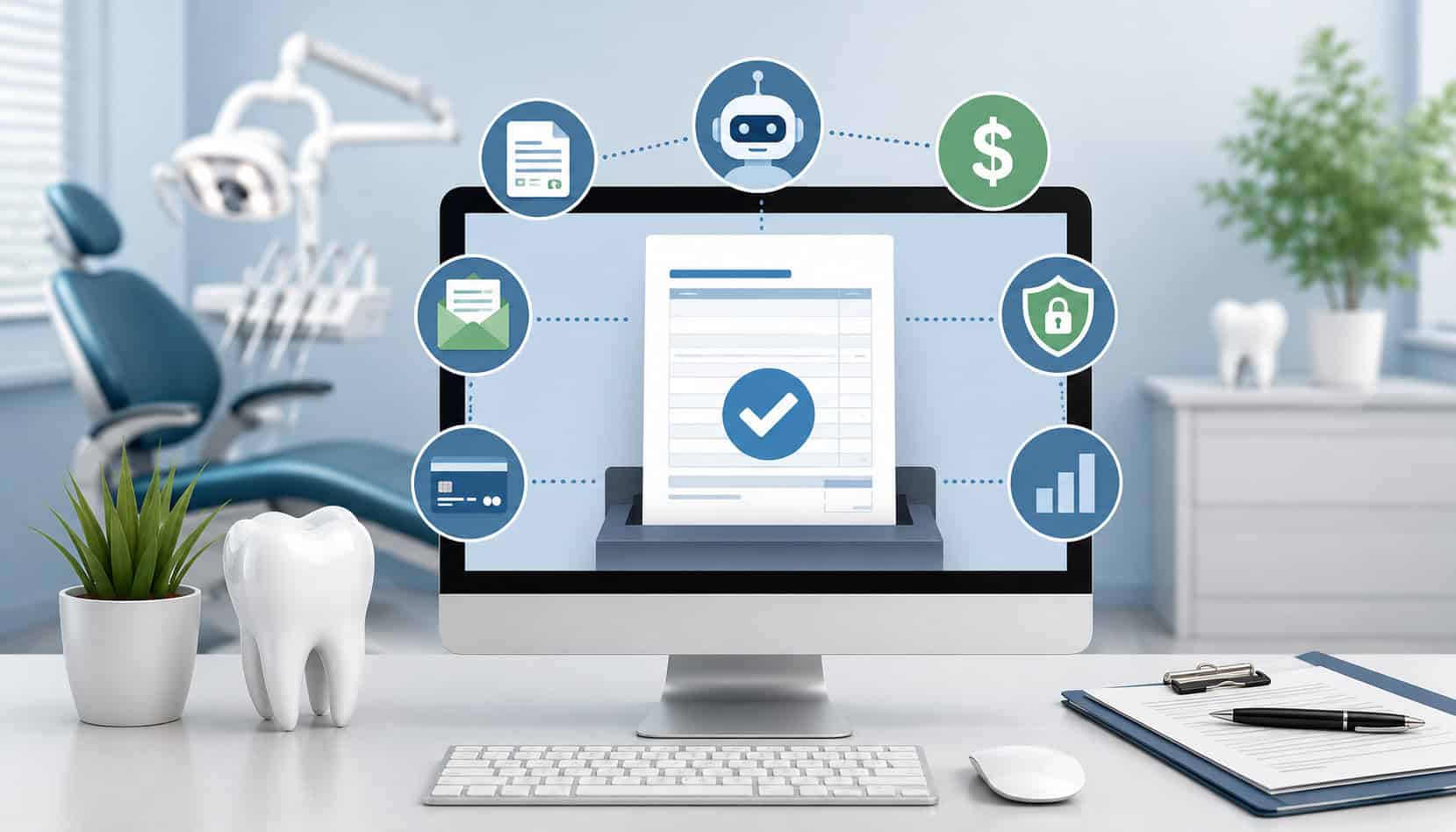
Dental billing has become more complex than simply collecting a copay at checkout. Dental teams now manage insurance estimates, patient balances, recurring treatment plans, membership plans, payment reminders, online invoices, refunds, deposits, and collections follow-up across busy schedules.
That is why many practices are moving toward automated billing systems for dental offices. These systems help reduce manual billing errors, improve cash flow, support online payments, and make it easier for patients to understand what they owe and how to pay.
For front-desk teams, automation can reduce repetitive work such as sending reminders, creating receipts, posting payments, and tracking unpaid balances. For practice owners and administrators, it can create more predictable collections and cleaner reporting.
Most importantly, dental billing automation should support—not replace—the patient relationship. The best systems combine secure payment technology, clear communication, flexible payment options, and consistent billing workflows.
What Are Automated Billing Systems for Dental Offices?
Automated billing systems for dental offices are software-based tools that help dental practices manage billing tasks with less manual effort. Instead of relying only on paper statements, phone calls, handwritten notes, and manual payment entry, practices can use automation to send invoices, schedule reminders, accept payments, generate receipts, and track patient balances.
Dental billing automation software often works alongside dental office billing software, payment processors, and practice management systems. In a well-designed setup, the billing process begins when a treatment plan, invoice, or patient balance is created.
From there, the system can help send digital statements, collect online payments, update payment records, and generate reports for reconciliation.
These systems may support:
- Automated invoicing for dentists
- Digital patient statements
- Online payments for dental offices
- Dental recurring billing for payment plans
- Card-on-file payment workflows
- Email and text dental payment reminders
- Automated receipts
- Refund and adjustment tracking
- Payment reporting and reconciliation
- Dental collections automation
Automated dental payment systems are especially useful when practices offer higher-cost services such as implants, orthodontics, cosmetic procedures, periodontal treatment, or multi-visit restorative care. When patients need payment plans or recurring installments, automation helps the practice collect consistently without manually charging each payment.
A good automated billing setup also improves visibility. Instead of wondering which balances are overdue, which cards failed, or which invoices were ignored, the team can review dashboards and reports. This helps office managers prioritize follow-up and reduce confusion.
Why Dental Practices Need Billing Automation
Manual billing can work for a small volume of simple transactions, but it becomes harder to manage as a dental office grows.
A busy practice may have multiple providers, different treatment types, insurance adjustments, family balances, payment plans, refunds, and outstanding patient portions. Without automation, these moving parts can create delays and errors.
One common issue is inconsistent follow-up. A patient may leave with a balance after insurance pays less than expected. If the team is busy, the statement may not be sent promptly. If the first reminder is ignored, the second reminder may never happen. Over time, small missed balances become a collections problem.
Manual posting is another challenge. If staff members enter payments in one system and then re-enter them somewhere else, mistakes can happen. Duplicate entry can lead to mismatched balances, incorrect receipts, and extra reconciliation work at the end of the day.
Automation helps create consistency. Dental billing and payment automation can send reminders on schedule, process approved recurring payments, generate receipts, and help staff see which accounts need attention. This does not eliminate the need for human judgment, but it gives the team a more reliable workflow.
Patients also benefit. Many people prefer to pay from a mobile-friendly invoice rather than calling the office during business hours. Online payment links, secure portals, and digital receipts can make payment easier and less stressful.
Billing automation can help practices:
- Reduce delayed collections
- Decrease missed reminders
- Improve patient payment clarity
- Lower administrative workload
- Reduce posting and reconciliation errors
- Support recurring treatment plans
- Strengthen cash flow
- Improve the checkout experience
For related context on modern dental payment workflows, practices may find this overview of payment processing products and services for dental practices useful.
Key Features of Dental Billing Automation Software
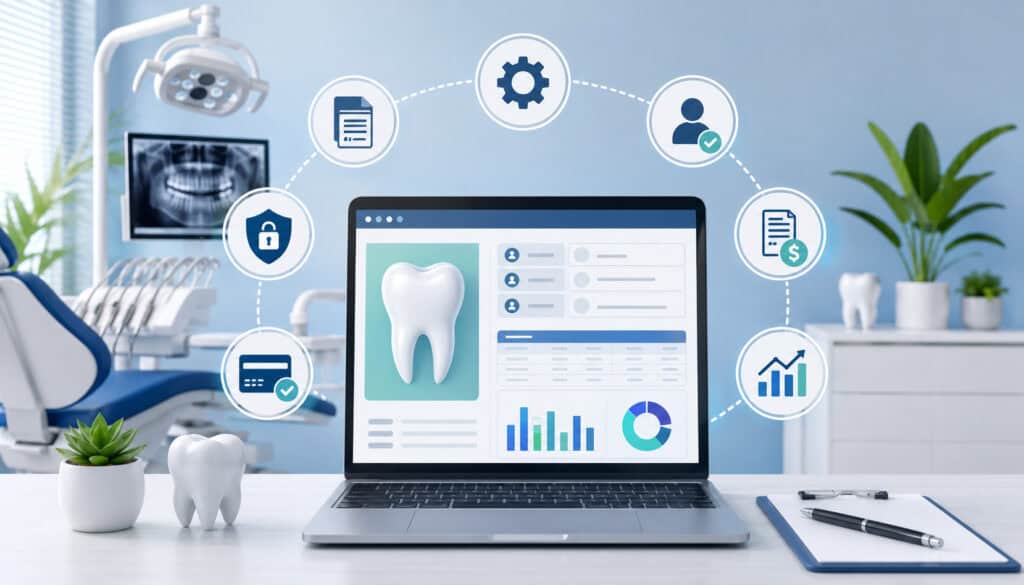
The right dental billing automation software should do more than send invoices. It should support the full payment workflow, from treatment estimate to final reconciliation. While every practice has different needs, most offices should look for systems that improve clarity, security, reporting, and patient convenience.
A solo practice may need simple online invoices and reminders. A larger multi-provider office may need integrated dental billing systems with recurring billing, multiple user roles, deposit tracking, and detailed reports. Practices offering memberships or long-term treatment plans may also need dental recurring billing and failed payment management.
Here is a practical feature comparison:
| Feature | What It Does | Why It Matters |
| Automated invoices | Sends digital invoices or statements to patients | Speeds up billing and improves payment clarity |
| Payment reminders | Sends scheduled email or text reminders | Reduces overdue balances and missed follow-up |
| Online payments | Lets patients pay by link or portal | Improves convenience and collection speed |
| Recurring billing | Charges approved payment plans on schedule | Supports orthodontics, memberships, implants, and long-term care |
| Card-on-file tools | Stores payment credentials securely through tokenization | Reduces manual card handling and supports future payments |
| Automated receipts | Sends receipts after payment | Saves staff time and improves documentation |
| Reporting dashboards | Tracks paid, unpaid, overdue, refunded, and failed payments | Helps managers monitor cash flow |
| Reconciliation tools | Compares transactions, deposits, refunds, and adjustments | Reduces accounting confusion |
| User permissions | Limits access by staff role | Protects sensitive payment workflows |
| Integration support | Connects billing, payment, and practice management systems | Reduces duplicate entry and posting errors |
The most useful systems are easy for staff to use. A complicated platform may look impressive during a demo but create frustration in daily operations.
Dental office managers should evaluate how the software handles real practice scenarios: a partial payment, a failed recurring charge, a family account, a refund, a disputed transaction, or an insurance-related balance change.
Automated Invoices and Statements
Automated invoicing for dentists allows practices to send digital invoices or patient statements without creating each one manually. These invoices may include treatment details, patient balance, insurance adjustments, payment due date, payment link, and office contact information.
Digital statements help patients understand what they owe. A clear invoice can reduce billing questions, especially when it separates estimated insurance from patient responsibility. Patients are more likely to pay quickly when the balance is easy to understand and the payment process is simple.
Automated statements can be scheduled after insurance processing, after treatment completion, or after a balance becomes overdue. This prevents delays that often happen when staff members are managing phones, check-in, check-out, scheduling, and provider needs at the same time.
Automated receipts are also helpful. Once a patient pays, the system can send a receipt by email or text. This reduces calls from patients requesting proof of payment and helps the office keep cleaner records.
Payment Reminders and Notifications
Dental payment reminders are one of the most practical parts of billing automation. Instead of relying on staff to remember every follow-up, the system can send reminders before a due date, on the due date, and after the balance becomes overdue.
Email and text reminders can be especially useful for busy patients. A patient may intend to pay but forget after leaving the office. A mobile-friendly reminder with a secure payment link makes it easier to pay quickly.
Reminders should be helpful, not aggressive. The tone should be professional, respectful, and clear. Patients should know what the balance is, why they are receiving the reminder, and how to contact the office if they have questions.
Dental collections automation can also help segment accounts. For example, the practice may use different reminder sequences for small balances, large balances, active payment plans, and overdue accounts. This allows the team to focus personal outreach where it matters most.
Recurring Billing and Payment Plans
Dental recurring billing is valuable for practices that offer payment plans, memberships, orthodontic treatment, implants, cosmetic dentistry, or phased treatment. Instead of manually charging patients every month, the system can process approved recurring payments on a set schedule.
Recurring billing helps both the patient and the practice. Patients can spread treatment costs over time, while the practice improves collection consistency. This can support treatment acceptance because patients may feel more comfortable moving forward when payment expectations are structured clearly.
A strong recurring billing workflow should include written authorization, clear payment dates, installment amounts, failed payment rules, and cancellation terms. Patients should receive receipts for each payment and easy instructions for updating an expired card or changed payment method.
Practices should also monitor recurring plans closely. Automation can process payments, but the team still needs to review failed charges, completed plans, refunds, and balance adjustments.
For a deeper look at recurring treatment payments, this resource on setting up recurring billing for dental treatments and memberships may be helpful.
How Automated Dental Payment Systems Improve Cash Flow
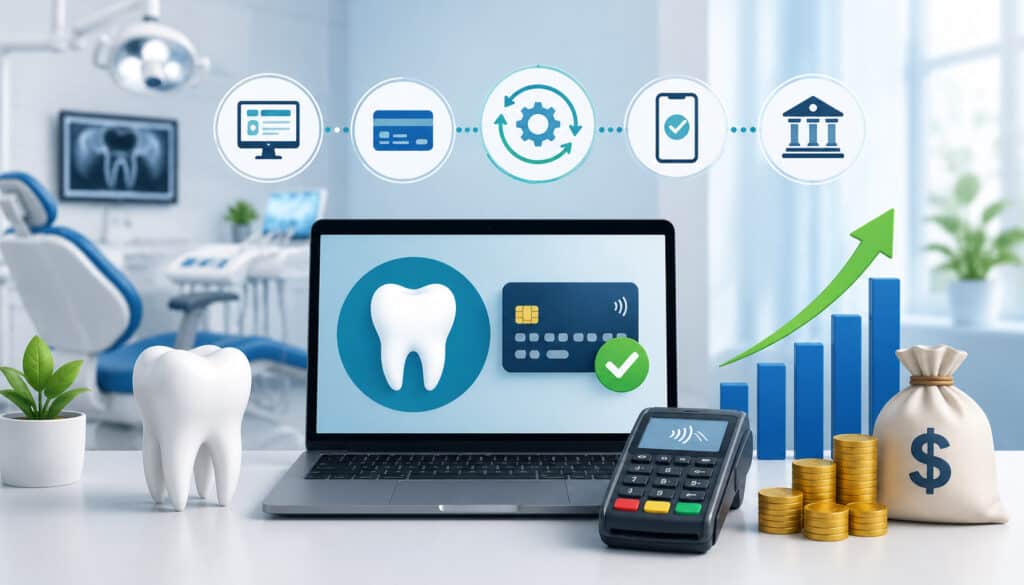
Cash flow depends on timing, accuracy, and consistency. When patient balances sit unpaid for weeks or months, the practice may feel pressure even if production is strong. Automated dental payment systems help close the gap between completed treatment and collected revenue.
Automation improves cash flow by making payment easier and follow-up more consistent. Digital invoices can be sent quickly. Payment reminders can go out without staff delay. Recurring billing can collect scheduled installments automatically. Online payments can be made after hours, during lunch breaks, or from a mobile device.
This matters because dental billing often involves multiple steps. A patient may pay a portion at checkout, insurance may process later, and the remaining patient balance may not be known immediately. If the practice does not have a reliable follow-up process, those balances can age quickly.
Dental payment processing automation can also help office managers identify trends. Reports may show which balances are overdue, which payment plans are active, which invoices are unpaid, and which payments failed. This helps the team take action before accounts become difficult to collect.
Automation can support cash flow by helping practices:
- Collect patient balances faster
- Reduce unpaid treatment balances
- Improve recurring payment consistency
- Decrease manual follow-up delays
- Track failed payments sooner
- Improve deposit visibility
- Reduce end-of-day reconciliation problems
- Support more predictable revenue planning
However, automation should not create a “set it and forget it” mindset. The best results come when office managers review billing reports regularly and assign clear responsibilities to staff. Technology should make the workflow easier, but accountability still matters.
Online Payments and Patient Convenience
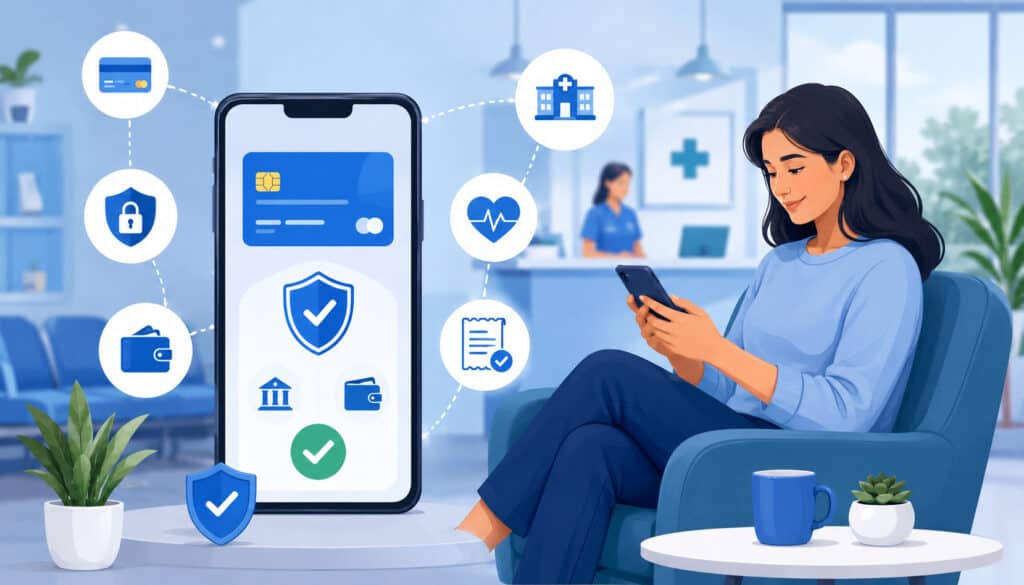
Online payments for dental offices are now an important part of patient convenience. Patients are used to paying bills through secure links, portals, mobile wallets, ACH, and card payments. When a dental office still requires phone payments or mailed checks, payment can feel harder than it needs to be.
Automated billing systems for dental offices often include payment links in invoices and reminders. A patient can open the invoice, review the balance, choose a payment method, and receive a receipt. This reduces friction and can speed up collections.
Patient portals can also help. When patients can view balances, payment history, statements, and recurring plans in one place, they are less likely to call the office with basic billing questions. This can reduce pressure on the front desk and billing team.
Mobile-friendly design is essential. Many patients will open payment reminders on a phone. If the invoice is hard to read, the link does not load well, or the payment form is too long, patients may abandon the process.
Payment options may include:
- Credit cards
- Debit cards
- ACH payments
- Contactless payments
- Payment links
- Mobile-friendly invoices
- Patient portal payments
- Stored payment methods
- Recurring payment plans
Security must remain central. Secure dental billing systems should use encryption, tokenization, user permissions, and compliant payment workflows. Practices should avoid collecting card numbers through unprotected forms, sticky notes, email, or unsecured messages.
For more background on patient-facing payment options, this guide to patient payment options for cosmetic dentistry offers useful context.
Flexible Payment Options for Patients
Flexible payment options can improve treatment acceptance and reduce collection delays. When patients have only one way to pay, cost can become a barrier. When they can choose from cards, ACH, payment links, recurring billing, or structured payment plans, they may feel more comfortable moving forward.
This is especially important for larger treatment plans. Orthodontics, implants, full-mouth restorations, periodontal therapy, and cosmetic procedures often involve higher patient responsibility. A clear payment plan can make the financial conversation easier for treatment coordinators.
Automated dental payment systems can support flexibility by letting the practice set payment schedules, collect deposits, store payment methods securely, and send reminders before each charge. This keeps the process organized and reduces awkward follow-up calls.
The key is transparency. Patients should understand the total cost, due dates, accepted payment methods, refund rules, and what happens if a payment fails. Flexibility should never create confusion.
Reducing Front-Desk Workload
Front-desk teams often carry a heavy operational load. They answer calls, greet patients, schedule appointments, verify insurance, collect payments, print receipts, explain balances, and communicate with clinical staff. Manual billing adds even more pressure.
Dental billing and payment automation can reduce repetitive tasks. Instead of manually calling every patient with a balance, staff can rely on scheduled reminders. Instead of typing card details repeatedly, approved recurring payments can be processed automatically. Instead of printing receipts, the system can send digital receipts.
This allows staff to spend more time on higher-value work, such as explaining treatment costs, helping patients understand payment options, resolving account questions, and supporting patient experience.
Automation can reduce front-desk workload by helping with:
- Balance reminders
- Invoice delivery
- Receipt generation
- Recurring payment processing
- Failed payment notifications
- Payment posting
- Daily payment reporting
- Reconciliation support
That said, automation should be introduced carefully. Staff need training, written workflows, and clear escalation steps. When a patient has a sensitive billing concern, a real conversation is still better than another automated message.
Integration With Dental Practice Management Systems
Integrated dental billing systems connect payment tools with practice management software. This matters because billing data, treatment plans, patient records, payments, and balances are closely linked. When systems do not communicate, staff must manually transfer information, which increases the risk of errors.
Integration can help payments post more accurately. When a patient pays through an online invoice or payment link, the transaction can be reflected in the billing workflow more efficiently. This reduces duplicate entry and helps the practice maintain accurate balances.
Integrated systems may connect:
- Treatment plans
- Patient ledgers
- Invoices and statements
- Payment links
- Recurring billing schedules
- Deposits
- Refunds
- Receipts
- Reporting dashboards
- Reconciliation tools
For example, a patient accepts a treatment plan and pays a deposit. The integrated system can help record the payment, generate a receipt, and keep the payment tied to the patient account. If the patient is placed on a recurring plan, future payments can be tracked against the balance.
Integration also helps managers understand performance. They can review unpaid balances, payments by provider, payment method trends, recurring plan activity, and reconciliation issues. This creates a stronger financial picture than disconnected reports.
However, not all integrations are equal. Some are deep and automatic, while others require exports, imports, or partial manual steps. Practices should ask specific questions during vendor evaluation.
Ask:
- Does the system post payments automatically?
- Does it sync refunds and voids?
- Does it support recurring payment plans?
- Can it handle family accounts?
- How are failed payments reported?
- What happens if data does not sync?
- Can staff edit transactions after posting?
- What audit trails are available?
Better Reporting and Reconciliation
Reporting and reconciliation are critical for dental offices. A practice needs to know which payments were collected, which deposits reached the bank, which refunds were issued, which balances remain unpaid, and which recurring plans are active.
Automated billing systems can simplify this process by creating reports that organize payment activity by date, provider, location, payment method, transaction type, or patient account. This helps the team spot issues faster.
Reconciliation becomes easier when payment reports match deposits and patient records. If staff members have to compare multiple systems manually, small discrepancies can take a long time to resolve. Integrated reporting reduces that burden.
Useful reports may include:
- Daily payments collected
- Outstanding balances
- Overdue balances
- Failed payments
- Active recurring plans
- Refunds and voids
- Deposits by date
- Chargebacks or disputes
- Payment method breakdown
- Aging accounts receivable
Better reporting also supports accountability. If one person is responsible for daily reconciliation and another handles overdue accounts, reports make each role clearer.
Reducing Billing Errors and Duplicate Entry
Duplicate entry is one of the most common causes of billing errors. When staff enter payment information into a terminal, then enter it again into dental office billing software, then update a spreadsheet, mistakes become more likely.
Integrated dental billing systems reduce this risk by allowing payment data to flow between systems. This can help prevent mismatched balances, missing receipts, and incorrect patient statements.
Errors can still happen, especially when adjustments, refunds, insurance payments, and partial payments are involved. That is why automation should include review steps. Staff should know how to verify payment posting, correct mistakes, and document adjustments.
Reducing billing errors improves patient trust. Few things frustrate patients more than receiving a statement for a balance they already paid. Cleaner billing records protect the patient relationship and reduce unnecessary calls.
Payment Security and Compliance Considerations
Secure dental billing systems are essential because payment workflows involve sensitive financial information. Practices should use PCI-aware processes, encrypted payment tools, tokenization, role-based permissions, and secure card-on-file management.
One of the most important rules is simple: dental offices should avoid storing card details manually. Card numbers should not be written on paper, saved in spreadsheets, emailed, photographed, or stored in unsecured notes. Secure systems replace card numbers with tokens, allowing future payments without exposing the actual card data.
Tokenization is especially useful for recurring billing and card-on-file workflows. The payment method can be stored securely by the payment platform, while the office only sees limited details such as the card brand and last four digits.
User permissions also matter. Not every staff member needs access to every billing function. A treatment coordinator may need to create payment plans, while only a manager should issue refunds or change recurring billing terms. Role-based access helps reduce risk.
Security features to look for include:
- Encryption during payment transmission
- Tokenized card-on-file storage
- PCI-aware payment workflows
- Role-based user permissions
- Refund approval controls
- Audit trails
- Secure payment links
- Multi-factor authentication where available
- Limited access to sensitive data
- Clear reporting for disputes and chargebacks
Practices should also train staff regularly. Even the best system can be weakened by poor habits, such as taking card numbers over unsecured channels or sharing login credentials.
For additional background, this article on PCI DSS requirements for dental practices can help teams understand secure payment expectations.
Common Challenges With Dental Billing Automation
Billing automation can improve operations, but it is not always effortless. Practices may face setup issues, staff resistance, integration limits, failed payments, outdated patient information, and reporting confusion.
The first challenge is setup. If payment policies, billing codes, statement templates, and reminder schedules are unclear, automation may simply repeat a messy process faster. Before launching, practices should clean up workflows and decide how billing should be handled.
Staff training is another major factor. Team members need to understand how invoices are created, how reminders are triggered, how payments post, how failed charges are handled, and how reports should be reviewed. Without training, automation can create confusion.
Patient data quality also matters. If phone numbers, email addresses, or stored payment methods are outdated, reminders and payment links may not reach the patient. Practices should confirm contact information regularly.
Common challenges include:
- Incomplete software setup
- Weak staff training
- Failed recurring payments
- Expired cards
- Outdated patient contact details
- Limited practice management integration
- Confusing reminder templates
- Poor reconciliation habits
- Lack of ownership over billing exceptions
- Overuse of automated messages
Dental collections automation should also be used carefully. Automated reminders can help, but some billing conversations require empathy and personal attention. Patients may be dealing with insurance disputes, financial stress, or confusion about treatment estimates.
Managing Failed or Expired Payment Methods
Failed payments are normal in recurring billing. Cards expire, accounts change, banks decline transactions, and patients may forget to update information. A good automated system should help manage these situations without creating unnecessary staff workload.
The system should notify the patient when a payment fails and provide a secure way to update the payment method. It may also allow automated retry attempts after a set number of days. This can recover payments without requiring immediate manual follow-up.
However, practices should avoid relying only on automated retries. If a high-value payment fails or a patient misses multiple installments, the team should contact the patient directly. A respectful conversation can often resolve the issue faster.
Written policies are important. Patients should know what happens if a recurring payment fails, whether retry attempts will occur, whether treatment scheduling may be affected, and whom to contact with questions.
Avoiding Over-Automation in Patient Communication
Automation should make billing easier, but it should not make communication feel cold. Dental billing often involves personal concerns, especially when treatment is expensive or insurance pays less than expected.
Automated reminders work well for routine balances. They are less appropriate for complex disputes, emotional conversations, or sensitive treatment planning discussions. Patients should always have a clear path to reach a real person.
Over-automation can create problems when patients receive too many messages or messages that do not match their situation. For example, a patient who is waiting for an insurance review may become frustrated if they receive repeated overdue notices.
Practices should monitor message frequency, tone, and timing. Billing communication should be clear, respectful, and connected to accurate account information.
Common Mistakes Dental Offices Should Avoid
Automated billing systems for dental offices are most effective when they are supported by clear policies and careful implementation. One mistake is buying software before defining the billing workflow. Technology cannot fix unclear payment expectations, inconsistent staff habits, or poor reconciliation processes by itself.
Another mistake is failing to train the full team. Billing automation affects front desk, treatment coordinators, billing staff, office managers, and sometimes providers. Everyone should understand how payment plans are explained, how invoices are sent, how receipts are generated, and how patient questions should be handled.
Practices should also avoid insecure payment handling. Manual card storage, shared passwords, unsecured messages, and weak refund controls can create unnecessary risk. Secure workflows should be built into daily operations.
Common mistakes include:
- Launching automation without written payment policies
- Failing to test invoice and reminder workflows
- Not training staff on exceptions
- Sending confusing payment reminders
- Ignoring failed recurring payments
- Choosing software without integration support
- Not reconciling payments daily
- Storing card information manually
- Giving too many users refund permissions
- Not reviewing reports regularly
- Letting old balances age without follow-up
- Using automation for sensitive conversations that need personal attention
Practices should also be careful with patient expectations. If a patient agrees to a recurring plan, the payment schedule should be documented. If a card will be kept on file, authorization should be clear. If reminders will be sent by text or email, the patient should understand what to expect.
Best Practices for Automated Billing Systems in Dental Offices
The most successful billing automation strategies are built around people, process, and technology. The software matters, but the workflow around it matters just as much.
Start by documenting payment policies. Patients should know when payment is due, what payment methods are accepted, how estimates are handled, how recurring plans work, and what happens when balances remain unpaid. Staff should use consistent wording when explaining these policies.
Next, train the team regularly. Billing workflows change as software updates, staff roles shift, and practice needs evolve. Training should cover normal payments, partial payments, refunds, failed recurring charges, expired cards, disputed balances, and reconciliation steps.
Practices should also review reports consistently. Automation creates useful data, but someone must act on it. Office managers should review unpaid balances, failed payments, deposits, refunds, and active payment plans.
Best practices include:
- Document payment policies clearly
- Explain payment expectations before treatment
- Use secure payment links and portals
- Offer flexible payment options
- Train staff on billing workflows
- Test recurring billing before launch
- Reconcile payments daily
- Review failed payments quickly
- Keep patient contact information current
- Use role-based permissions
- Avoid manual card storage
- Review reminder templates often
- Monitor overdue balances weekly
- Use personal outreach for sensitive accounts
It is also wise to measure results. Track collection timing, outstanding balances, failed payment rates, patient payment questions, and staff time spent on billing tasks. These metrics help determine whether automation is truly improving operations.
FAQs
What are automated billing systems for dental offices?
Automated billing systems for dental offices are software tools that help practices manage invoices, statements, payment reminders, online payments, receipts, recurring billing, reporting, and reconciliation with less manual work. They help make dental billing more consistent, organized, and easier for both staff and patients.
How does dental billing automation work?
Dental billing automation works by using software to trigger billing tasks based on patient balances, payment schedules, or account activity. For example, the system can send an invoice after treatment, issue reminders before a due date, process recurring payments, and send receipts after payment.
Can automated billing improve cash flow?
Yes. Automated billing can improve cash flow by helping dental offices collect payments faster and more consistently. Digital invoices, online payment links, scheduled reminders, and recurring billing can reduce delays between completed treatment and patient payment.
Are automated dental payment systems secure?
Automated dental payment systems can be secure when they use encryption, tokenization, PCI-aware workflows, secure payment links, user permissions, and audit trails. Dental offices should avoid manually storing card details and should use secure card-on-file tools whenever possible.
Can dental offices offer recurring billing?
Yes. Dental offices can offer recurring billing for payment plans, memberships, orthodontics, implants, cosmetic dentistry, and other long-term treatment plans. The practice should use clear authorization, defined payment dates, written terms, secure payment storage, and automatic receipts.
How do automated reminders help dental practices?
Automated reminders help dental practices follow up on patient balances without relying only on manual calls or staff memory. Email and text reminders can notify patients about upcoming due dates, unpaid invoices, failed payments, or overdue balances.
What features should dental billing software include?
Dental billing software should include automated invoices, payment reminders, online payment links, recurring billing, secure card-on-file tools, automated receipts, reporting dashboards, reconciliation support, user permissions, and integration with dental practice management systems.
How can dental offices reduce billing errors?
Dental offices can reduce billing errors by using integrated dental billing systems, minimizing duplicate entry, reconciling payments daily, training staff, documenting adjustment procedures, and regularly reviewing billing reports.
Conclusion
Automated billing systems for dental offices can simplify collections, improve payment accuracy, support recurring billing, reduce administrative work, and make payments more convenient for patients.
For dental office managers, billing teams, treatment coordinators, practice owners, and administrators, automation can turn a scattered billing process into a more consistent workflow.
The strongest results come from combining secure payment technology with clear communication. Dental billing automation software should help send invoices, manage reminders, process online payments, support dental recurring billing, protect payment data, and improve reporting.
Still, automation should never remove the human side of dental billing. Patients need clarity, flexibility, and respectful communication—especially when treatment costs are significant or insurance estimates change.
A practical billing automation strategy includes secure systems, flexible payment options, strong staff training, daily reconciliation, clear payment policies, and personal follow-up when needed.
When these pieces work together, dental practices can improve collections, reduce front-desk workload, and build a smoother payment experience from treatment presentation to final balance.