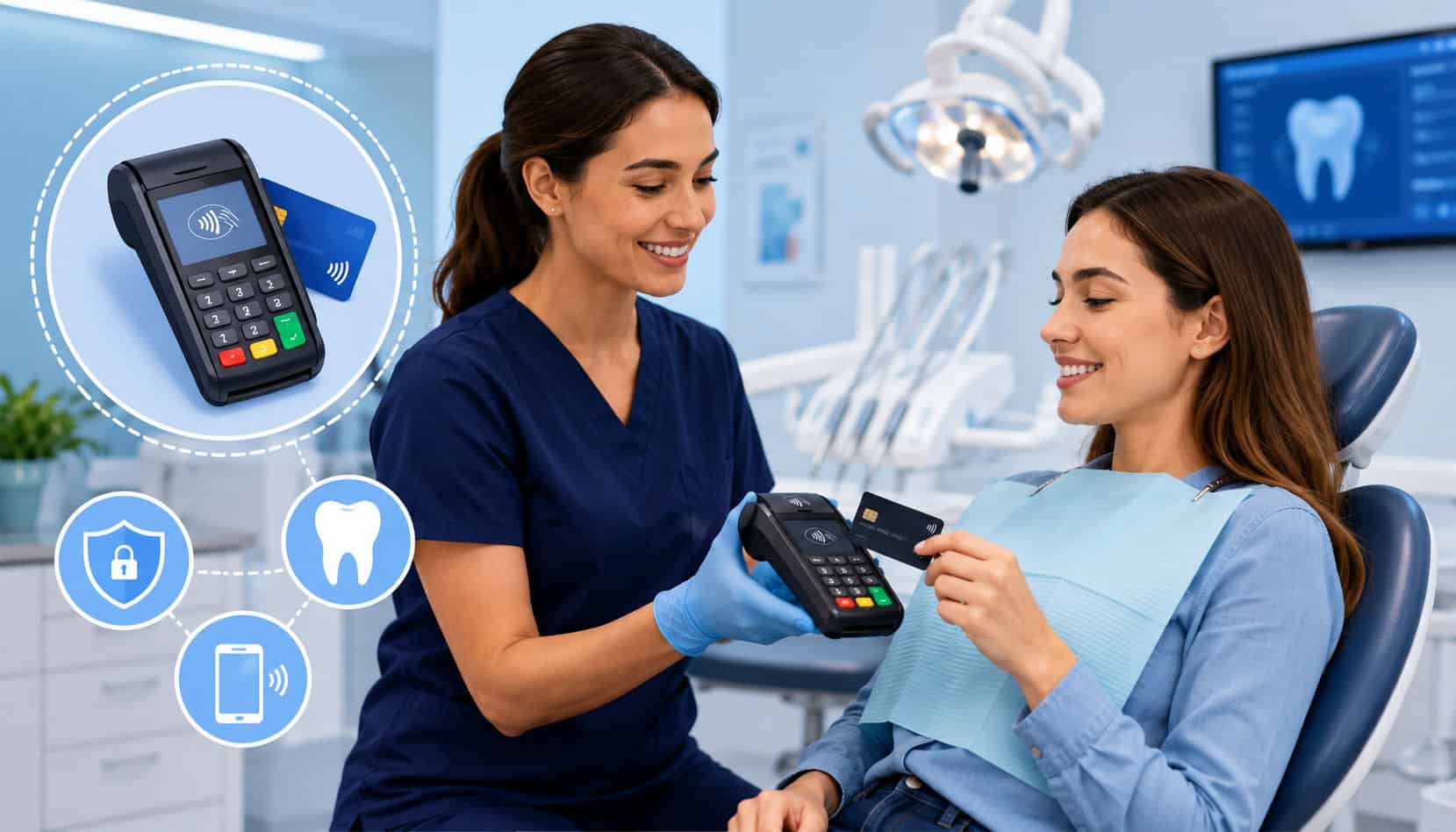
Mobile payment flexibility has become an important part of running a modern dental practice. Patients expect convenient ways to pay, and dental teams need tools that make collections faster without adding confusion at the front desk.
Mobile credit card processing for dentists helps practices accept payments through smartphones, tablets, wireless terminals, mobile card readers, secure payment apps, and mobile POS systems.
For dental offices, mobile payments are not only about swiping a card outside the reception area. They can support treatment deposits, chairside checkout, contactless payments, recurring payment plans, online invoices, digital receipts, payment links, and remote balance collection.
This flexibility can reduce bottlenecks, help patients pay in ways they already use, and give office teams better control over payment tracking.
A strong mobile payment setup also supports the business side of dentistry. Billing teams can collect copays faster, send secure invoices after insurance adjustments, accept payments during treatment plan discussions, and reconcile transactions with fewer manual steps.
For practice owners and administrators, the goal is simple: make it easier to collect payments securely while improving the patient experience.
Mobile payment tools are especially useful when dental teams manage a mix of in-office payments, deposits for larger cases, family balances, membership plans, emergency visits, and follow-up invoices.
When the right system is paired with staff training, reporting, security controls, and dental practice management compatibility, mobile payment systems can become a practical part of everyday office operations.
What Is Mobile Credit Card Processing for Dentists?
Mobile credit card processing for dentists is the ability to accept card and digital payments using portable, connected payment technology instead of relying only on a fixed countertop terminal.
In a dental setting, this may include a smartphone, tablet, mobile POS device, wireless terminal, tap-to-pay reader, or secure mobile payment app connected to a merchant account or payment processor.
The process is usually straightforward. A staff member enters or selects the patient’s balance, the patient pays with a chip card, contactless card, mobile wallet, or sometimes a manually entered card, and the system sends the transaction securely for authorization.
Once approved, the payment can generate a receipt, update a report, and, if integrated, post back to the patient account.
Dental mobile payment processing is useful because dental payments often happen in more than one place. A patient may pay a deposit after accepting a treatment plan in a consultation room.
Another may pay a copay at checkout. A parent may pay a family balance by invoice link later in the day. A mobile system gives the office more flexibility to support each scenario.
Mobile payment systems for dental offices can include:
- Wireless payment terminals
- Mobile card readers for dental practices
- Tablet-based checkout apps
- Mobile POS for dentists
- Contactless tap-to-pay devices
- Online invoice and payment link tools
- Recurring billing features
- Secure digital receipt options
- Reporting dashboards for billing teams
Mobile merchant services for dentists connect these tools to the payment networks, funding process, reporting system, and security controls needed to accept payments professionally. The best setup should feel simple for staff, convenient for patients, and secure for the practice.
Why Dental Practices Are Adopting Mobile Payment Systems
Dental practices are adopting mobile payment systems because patient expectations and office workflows have changed. Patients are used to paying with tap cards, mobile wallets, payment links, and digital invoices in many areas of daily life.
When a dental office only supports a slow or limited payment process, it can create friction at the exact moment the patient is trying to complete the visit.
Mobile payment systems help reduce front-desk congestion. In many practices, the reception desk handles check-ins, phones, insurance questions, appointment scheduling, treatment estimates, and payment collection all at once.
A mobile device gives trained team members another way to collect payments without forcing every transaction through one fixed terminal.
This can be especially helpful after treatment plan discussions. If a patient agrees to start a procedure, staff can collect a treatment deposit from a tablet or wireless terminal while the conversation is still fresh.
For larger balances, mobile payment tools may also support payment plans, recurring billing, or secure invoice links that allow the patient to pay later.
Dental office payment solutions also support flexible checkout. Some patients want a printed receipt; others prefer a text or email receipt. Some want to use a contactless card; others prefer a mobile wallet. Some need to split a payment between cards or pay a partial amount. Mobile payment systems can make these options easier to manage.
The administrative benefits matter too. When mobile card readers, online invoices, and payment apps connect to reporting tools, billing teams can track payments more clearly. Instead of searching through paper notes or manually matching transactions, staff can review digital records, settlement reports, refunds, deposits, and payment histories.
For growing practices, mobile payment systems can also help standardize workflows across multiple operatories, front-desk stations, or locations. A consistent mobile payment process can reduce training gaps and help every team member follow the same collection steps.
Key Features of Mobile Payment Systems for Dental Offices
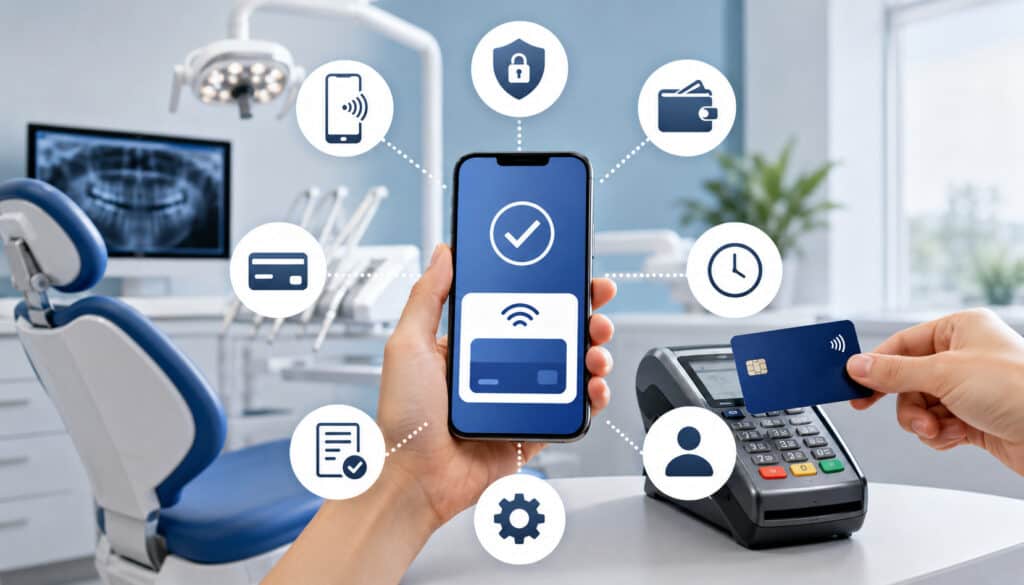
Mobile payment systems for dental offices should do more than process a card. They should support the way dental practices actually collect money: at checkout, during treatment planning, after insurance adjustments, through invoices, and sometimes through recurring payment arrangements. A good system should improve convenience while helping staff maintain accurate records.
When comparing dental payment processing tools, look for features that support patient experience, security, reporting, and workflow control. Dental offices often handle high-value procedures, family balances, refunds, copays, and card-on-file arrangements, so the payment system should be reliable enough for daily use and flexible enough for real office situations.
| Feature | What It Does | Why It Matters |
| Wireless card reader | Accepts chip, swipe, or tap payments from a portable device | Helps staff collect payments away from a fixed terminal |
| Contactless payment support | Accepts tap cards and mobile wallets | Speeds checkout and supports modern patient preferences |
| Mobile POS app | Lets staff enter payments, send receipts, and track transactions | Creates a more flexible checkout workflow |
| Online invoices | Sends payment requests by email or text link | Helps collect balances after the visit |
| Recurring billing | Supports scheduled payments for plans or memberships | Helps manage larger treatment balances |
| Digital receipts | Sends proof of payment electronically | Reduces disputes and improves recordkeeping |
| User permissions | Controls what each staff member can access | Reduces risk from unauthorized refunds or changes |
| Reporting dashboard | Tracks transactions, deposits, refunds, and payment types | Helps billing teams reconcile payments |
| Tokenization | Replaces stored card data with secure tokens | Reduces risk when supporting saved payment methods |
| Integration options | Connects payments with practice software | Reduces manual posting and reconciliation errors |
For more detail on digital billing workflows, this guide to online patient invoicing is useful when evaluating remote payment support.
Wireless Card Readers and Tap-to-Pay
Wireless card readers and tap-to-pay devices are among the most practical tools for mobile credit card processing for dentists.
These devices allow staff to accept chip cards, contactless cards, and mobile wallet payments without bringing every patient to a single countertop terminal. Depending on the setup, the device may connect through Wi-Fi, Bluetooth, or cellular service.
For dental teams, speed is a major advantage. A tap or chip transaction can be completed quickly, which helps reduce checkout delays. Patients also appreciate being able to pay in a familiar way, especially when they already use contactless cards or mobile wallets for everyday purchases.
Mobile credit card readers can be useful in treatment consultation rooms, front-desk overflow areas, mobile clinics, specialty rooms, or administrative workstations. They are also helpful when collecting deposits for cosmetic, orthodontic, implant, or restorative procedures where the financial discussion may happen before the patient returns to the reception area.
Security should be part of the decision. Choose secure mobile payments for dentists that use approved card readers, encrypted transmission, and processor-supported payment apps. Avoid generic or improvised devices that require staff to write down card numbers, take photos of cards, or store payment details outside the payment system.
Mobile POS and Payment Apps
A mobile POS for dentists usually combines payment acceptance with checkout tools, transaction records, receipts, refunds, and reporting. Instead of using a basic reader that only captures a card, a mobile POS app can help staff manage the entire payment interaction from a tablet or smartphone.
For example, a billing coordinator may enter a patient’s balance, select a payment type, apply a partial payment, send a digital receipt, and view whether the transaction was approved. Some mobile POS systems also support notes, product or service categories, user logins, refund controls, and end-of-day reports.
Mobile payment apps can be especially useful when a practice wants more visibility into who collected a payment, when it was collected, and how it should be reconciled. This matters because dental offices may collect multiple payment types in one day: copays, deposits, balances after insurance, membership plan payments, and payments for family accounts.
A strong mobile POS system should also support clean reporting. Dental office managers need to know which transactions settled, which were refunded, which were voided, and which are tied to recurring arrangements. Without clear tracking, mobile payments can create just as much confusion as they solve.
For practices comparing broader POS capabilities, this resource on cloud-based POS systems for dental clinics offers helpful context.
Online and Remote Payment Support
Mobile payment systems may also support online and remote payment options. This is important because not every dental payment happens while the patient is physically in the office.
After insurance processes a claim, the remaining balance may need to be collected days or weeks after the visit. Mobile-friendly invoice links and payment portals make that process easier for both patients and staff.
Online invoices can be sent by email or text, allowing patients to review the amount due and pay from their phone. Payment links can be useful for treatment deposits, missed balances, family accounts, and follow-up collections. Recurring billing can support payment plans, membership programs, or larger treatment balances that patients prefer to pay over time.
Remote payment support also improves billing team productivity. Instead of calling patients repeatedly or mailing statements, staff can send a secure payment request with a clear due amount and receipt confirmation. The system should also track whether the invoice was sent, viewed, paid, expired, or disputed.
Patient portal payments may also be part of the workflow. If the practice already uses a portal, mobile payment functionality can allow patients to log in, review balances, and pay securely. The key is to make sure the payment experience is mobile-friendly, easy to navigate, and properly connected to patient account records.
Benefits of Mobile Credit Card Processing for Dentists
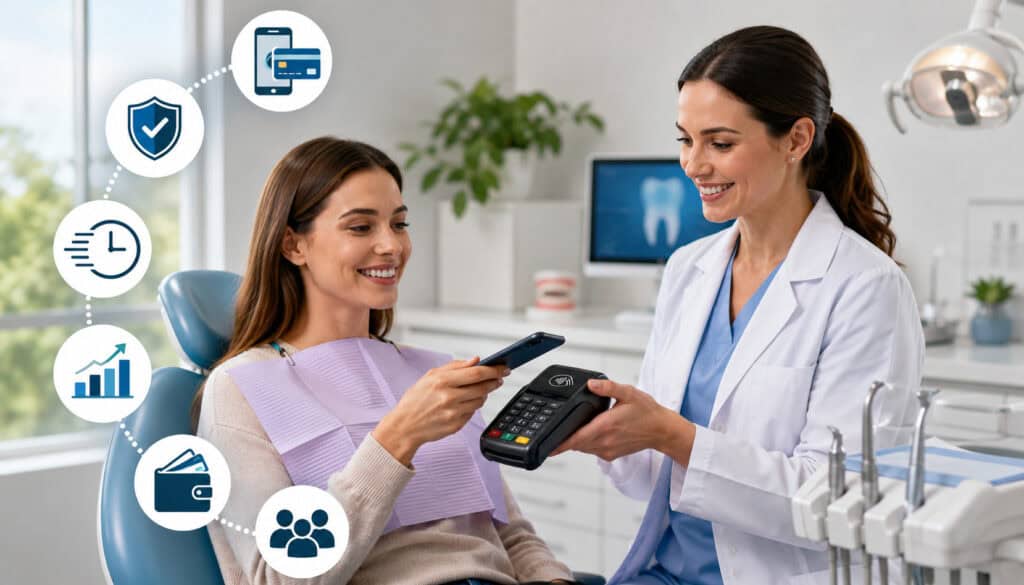
Mobile credit card processing for dentists can improve the payment experience for patients and the daily workflow for staff. The main benefit is flexibility. Instead of forcing every payment through one desk, one terminal, or one staff member, mobile payment tools allow the office to collect payments in the moment and in the setting that makes sense.
For patients, mobile payment systems create convenience. They can tap a card, use a mobile wallet, receive a digital receipt, pay an invoice from home, or set up recurring payments when supported. This reduces friction and can make payment feel like a natural part of the visit rather than a separate administrative hurdle.
For dental teams, mobile payments can reduce waiting times and improve cash flow. If staff can collect balances during checkout, send payment links quickly, and automate recurring arrangements, fewer payments fall through the cracks. This is especially useful for offices managing high patient volume or large treatment plans.
Mobile merchant services for dentists can also support better documentation. Digital receipts, transaction histories, user logs, and payment reports help staff answer patient questions and resolve discrepancies. This is important when a patient asks whether a deposit was applied, whether a refund was issued, or whether a recurring payment was processed.
The operational benefits include:
- Shorter checkout lines
- Faster payment collection
- Better support for contactless payments
- More flexible treatment deposit collection
- Easier remote balance collection
- Improved reporting and reconciliation
- Fewer handwritten card details or paper notes
- Better patient payment convenience
Mobile payments also help dental practices meet modern expectations. Patients may not think about the payment system when it works well, but they notice when it feels outdated, slow, or inconvenient.
Faster Checkout Experience
A faster checkout experience is one of the clearest benefits of mobile payment systems for dental offices. When the front desk is busy, even a simple card payment can become a bottleneck. Patients may wait while staff answer calls, schedule follow-ups, verify insurance details, and process other payments.
With mobile payment devices, another trained team member can collect the payment from a tablet or wireless reader. This is useful after hygiene visits, emergency appointments, treatment consultations, and specialty services. The patient can pay quickly, receive a receipt, and leave without unnecessary delay.
Mobile checkout can also support treatment acceptance. When a patient approves a procedure and understands the deposit requirement, staff can collect payment immediately instead of sending the patient to another station. That can reduce drop-off and improve scheduling confidence for the practice.
The best results come from a defined workflow. Staff should know when to use a mobile reader, how to confirm the amount due, how to send receipts, and how to document the payment. Speed should never come at the expense of accuracy.
Improved Patient Convenience
Patient convenience is a major reason dental offices invest in mobile payment systems. Many patients want to pay quickly, use their preferred method, and receive confirmation without extra paperwork. Mobile payment systems can support contactless cards, mobile wallets, chip cards, digital receipts, online invoices, and recurring payment options.
Contactless payments for dental offices are especially useful when patients want a quick, low-touch checkout experience. A patient can tap a card or phone, approve the transaction, and receive a receipt by email or text. This can feel smoother than waiting for printed slips or signing paper forms.
Remote payment options add another layer of convenience. If a patient leaves before a final balance is known, the office can send a secure payment link later. If a patient needs to pay for a family member, an online invoice can make that easier. If a patient chooses a payment plan, recurring billing can reduce the need for repeated calls.
Convenience also helps the practice. When patients have fewer barriers to payment, billing teams spend less time chasing balances. A well-designed payment experience can reduce missed collections, improve patient satisfaction, and support a more professional office environment.
For a deeper look at tap-to-pay and wallet acceptance, see this guide on contactless payments for dental patients.
Payment Security and Compliance Considerations
Payment security is essential in any dental office payment solution. Dental teams handle sensitive patient information, billing records, and payment details, so mobile payment workflows must be designed carefully. Convenience should never mean collecting card numbers in unsafe ways or bypassing proper controls.
Secure mobile payments for dentists should include encryption, tokenization, user permissions, approved card readers, secure wireless connections, and clear staff procedures.
Encryption helps protect transaction data while it moves through the payment system. Tokenization helps reduce risk by replacing stored card data with a secure token rather than keeping the actual card number.
PCI-aware workflows are also important. Dental offices should avoid writing card numbers on paper, storing card details in spreadsheets, texting card information, or saving card images. Staff should never collect payment data through personal devices or unsecured messaging apps. Payment information should stay inside approved payment tools.
Wireless security matters too. If mobile devices rely on Wi-Fi, the practice should use a secure network, strong passwords, updated routers, and appropriate access controls. Guest Wi-Fi should be separate from business systems. Devices should be updated regularly and protected with screen locks.
User permissions are another practical safeguard. Not every employee needs access to refunds, voids, reports, or stored payment tools. Role-based permissions help reduce mistakes and unauthorized actions. Refund controls, audit trails, and manager approvals can protect both patients and the practice.
Payment security is not only a technology issue. It is a training issue. Staff should understand how to handle cards, verify amounts, send receipts, process refunds, and respond to patient questions without exposing sensitive data.
Protecting Patient Payment Information
Protecting patient payment information starts with reducing manual handling. Every time staff write down a card number, repeat it out loud, store it in an unsecured note, or enter it into the wrong system, risk increases. Mobile payment tools can reduce that risk by keeping payment data inside secure devices and processor-supported apps.
Secure mobile card readers are designed to capture card data in a controlled way. Chip and tap transactions are generally safer than handwritten or manually keyed transactions because the card data is processed through secure hardware and payment rails. Mobile wallets can also add security layers through device authentication and tokenized payment credentials.
Dental offices should create clear rules for card-on-file arrangements. If recurring billing or saved payment methods are used, card details should be tokenized through the payment system. Staff should not store full card numbers in patient notes, paper folders, email threads, or office files.
Protecting payment information also means limiting access. Billing staff may need reporting access, while clinical staff may only need payment collection access. Managers may need refund permissions, while other users may not. These controls help prevent accidental errors and intentional misuse.
Reducing Chargebacks and Payment Disputes
Mobile payment systems can help reduce chargebacks and payment disputes when they provide strong documentation. Dental payments may be disputed for many reasons: confusion about treatment costs, duplicate charges, refund timing, unclear deposits, family account misunderstandings, or dissatisfaction with how a balance was explained.
Digital receipts are one of the simplest protections. A receipt should show the amount paid, date, payment method, practice name, and any relevant payment description. For treatment deposits or payment plans, patients should receive written confirmation of what the payment covers and how future payments will work.
Clear treatment documentation also matters. Payment records should align with signed treatment plans, estimates, consent forms, refund policies, and account notes. If a patient disputes a charge, the practice should be able to show what was agreed to, what was paid, when the payment occurred, and how the receipt was delivered.
Mobile payment systems can also reduce disputes by supporting real-time confirmations. When a patient receives an immediate text or email receipt, there is less uncertainty about whether the payment went through. If refunds are processed, digital confirmation helps set expectations about timing.
Refund policies should be easy for staff to explain and apply consistently. A confusing or inconsistent refund process can turn a simple question into a payment dispute. The best approach is to combine clear policies, accurate documentation, and secure transaction records.
Mobile Payment Processing Costs for Dental Offices
Mobile payment processing costs for dental offices can vary based on the provider, pricing model, transaction type, hardware, software, and monthly services included. Dentists should look beyond the headline rate and understand the full cost structure before choosing a provider.
Common costs may include transaction fees, interchange-related costs, processor markups, monthly service fees, mobile reader costs, wireless terminal costs, gateway fees, PCI-related fees, chargeback fees, batch fees, and statement fees. Some providers bundle several of these into a monthly package, while others separate them.
Payment methods can also affect pricing. Card-present payments, such as chip and tap transactions, may be priced differently than manually keyed or online transactions. Remote invoices and payment links can be convenient, but they may carry different processing costs because the card is not physically present.
Hardware costs should be evaluated carefully. A low-cost mobile reader may work for basic payments, but a busy dental office may need a more durable wireless terminal with better connectivity, receipt options, and security features. Practices should consider how often the device will be used, where it will be used, and who will support it if something goes wrong.
Monthly software fees may be worth it if the system reduces manual work. For example, online invoices, recurring billing, reporting dashboards, and practice management integration may save staff time and reduce collection delays. However, unused features can become unnecessary costs.
Chargebacks and disputes also carry costs. Even if the practice wins a dispute, staff time is required to gather documentation and respond. A system that helps prevent disputes through receipts, confirmations, and clear records can provide value beyond the transaction rate.
When comparing costs, ask providers for a full breakdown that includes:
- In-person transaction pricing
- Online invoice pricing
- Manually keyed transaction pricing
- Monthly account fees
- Gateway or software fees
- Mobile reader or terminal costs
- PCI-related costs
- Chargeback fees
- Refund and void handling
- Contract terms and cancellation costs
For a broader explanation of pricing structures, this article on dental payment processing fees is a helpful reference.
Choosing the Right Mobile Merchant Services for Dentists
Choosing the right mobile merchant services for dentists requires more than finding a payment app that accepts cards. Dental practices need a solution that fits their workflow, protects patient payment data, supports modern payment preferences, and gives administrators reliable reporting.
Start by identifying where payments happen in your office. Are most payments collected at the front desk? Do treatment coordinators collect deposits? Do patients pay online after insurance adjustments? Do you offer recurring payment plans? Do you need portable readers for multiple rooms or locations? The answers will shape the type of mobile system you need.
Next, evaluate patient payment options. A strong solution should support chip cards, contactless cards, mobile wallets, digital receipts, online invoices, and payment links. If your practice offers memberships, orthodontic plans, or large restorative cases, recurring billing may also be important.
Security should be non-negotiable. Ask about encryption, tokenization, PCI-aware workflows, staff permissions, refund controls, device management, and audit logs. A provider should be able to explain how card data is protected and how the system reduces manual exposure.
Software compatibility is another key factor. Mobile payment systems that do not integrate with your dental practice management tools may require manual posting. That can create errors, delays, and reconciliation problems. Even if full integration is not available, reports should be clear enough for daily reconciliation.
Customer support also matters. Dental offices cannot afford payment downtime during busy clinic hours. Look for support that understands dental workflows, not just generic retail transactions. Ask about setup help, device replacement, troubleshooting, training materials, and after-hours support.
Before signing, review pricing, contract terms, cancellation policies, equipment ownership, chargeback support, funding timelines, and reporting capabilities. A slightly cheaper provider may become expensive if it creates staff frustration or payment delays.
Integration With Dental Practice Management Software
Integration with dental practice management software can make mobile payment processing much easier to manage. When payments connect directly or semi-directly with patient accounts, staff spend less time manually entering amounts, posting payments, and matching deposits.
In an integrated workflow, a staff member may select the patient, choose the balance, process the payment, and have the result update the ledger automatically or with minimal extra steps. This reduces the chance of applying a payment to the wrong account or forgetting to post a transaction after it is approved.
Integration also helps with invoices and recurring payments. If a patient receives an online invoice, pays from a mobile device, and the payment updates the account, the billing team has a cleaner record. This improves reconciliation and reduces follow-up confusion.
Even when full integration is not available, compatibility still matters. The payment system should export reports in formats your team can use. It should identify patient names, transaction dates, amounts, payment methods, refunds, voids, and settlement batches clearly.
Integration also supports better management decisions. Practice owners can review payment trends, collection performance, refund activity, and outstanding balances with more confidence when payment data is accurate and organized.
Reporting and Payment Tracking Features
Reporting is one of the most important features of mobile payment systems for dental offices. Without strong reporting, mobile payments can become scattered across devices, users, and payment channels. Good reporting helps billing teams know what was collected, who collected it, and how it matches deposits.
Useful reports should include transaction history, payment method, approval status, refunds, voids, chargebacks, settlement batches, recurring payments, online invoice activity, and user-level activity. These details help office managers reconcile daily payments and investigate patient questions.
Payment tracking is especially important when the office accepts payments from multiple channels. A practice may collect a tap payment at the front desk, a deposit from a tablet, a payment link from home, and a recurring payment overnight. All of those transactions should be visible in one reporting environment or easy to reconcile across systems.
Reports also help identify workflow problems. If many invoices are sent but few are paid, the invoice format or reminder process may need improvement. If manual entry is unusually high, staff may need more training on mobile readers. If refunds are frequent, the practice may need clearer deposit policies.
The best reporting tools help the practice move from guessing to managing. They show what is working, what needs attention, and where payment friction is costing time.
Common Mistakes Dental Offices Should Avoid
Mobile payment tools can improve dental office workflows, but only when they are implemented carefully. A common mistake is choosing unsecured or consumer-grade devices without considering security, reporting, or dental workflow needs.
A basic card reader may seem convenient, but it may not support the controls required for a professional healthcare payment environment.
Another mistake is relying too heavily on manual card entry. Manual entry may be necessary for some remote payments, but it should not become the default for in-office transactions. Chip, tap, and secure invoice links are usually better options because they reduce handling and create stronger transaction records.
Poor Wi-Fi security is another risk. Mobile payment devices should not run on unsecured networks or shared guest Wi-Fi. Dental offices should separate guest access from business systems, use strong passwords, keep routers updated, and restrict device access.
Unclear refund policies can also create problems. If staff members explain deposits differently or process refunds inconsistently, patients may become frustrated. Every mobile payment workflow should include clear refund procedures, documentation rules, and approval requirements.
Staff training is often overlooked. Even the best mobile POS system can fail if employees do not know how to confirm balances, process partial payments, send receipts, handle declined cards, or document payment notes. Training should include both technical steps and patient communication.
Ignoring software compatibility can create long-term inefficiency. If the payment system does not work with existing billing workflows, staff may spend extra time reconciling transactions manually. That can erase much of the benefit of mobile processing.
Finally, many practices fail to review processing fees after setup. Payment volume, card mix, online payments, and manually keyed transactions can change over time. Regular statement reviews help the practice understand costs and identify avoidable fees.
Avoid these common mistakes:
- Using unsecured devices
- Sharing staff logins
- Storing card numbers manually
- Processing payments over unsecured Wi-Fi
- Failing to send digital receipts
- Skipping daily reconciliation
- Ignoring chargeback documentation
- Choosing tools that do not fit dental workflows
- Overlooking training for new employees
- Not reviewing fees and contract terms
Best Practices for Mobile Dental Payment Processing
Best practices for mobile dental payment processing combine technology, training, and consistent office procedures. The goal is to make payments convenient without sacrificing security, accuracy, or patient trust.
Start with secure wireless networks. Mobile payment devices should connect through protected networks, not public or guest Wi-Fi. Devices should be updated regularly, protected with passcodes, and used only for approved business purposes. If tablets or phones are used, avoid mixing personal apps with payment activity.
Use role-based permissions. Staff should only have access to the tools they need. For example, front-desk staff may process payments and send receipts, while managers may approve refunds and view detailed reports. This helps reduce mistakes and improves accountability.
Train staff on every payment scenario. They should know how to process chip, tap, mobile wallet, invoice, partial payment, refund, and declined transactions. They should also know how to explain payment options clearly and direct patients to the right person for billing questions.
Send digital receipts whenever possible. Receipts help patients confirm payment and give the office a record of the transaction. For deposits, recurring payments, and payment plans, provide written confirmation of the terms.
Reconcile transactions daily. Compare mobile payments, countertop payments, online invoices, refunds, and deposits against reports. Daily reconciliation helps catch errors quickly instead of letting small issues become larger accounting problems.
Review statements regularly. Processing fees can change based on transaction type, card mix, online volume, and manual entry rates. Regular reviews help practices understand costs and identify process improvements.
Test devices before busy periods. Wireless readers should be charged, connected, updated, and ready. Keep backup procedures in place in case a device fails or connectivity drops.
Best practices include:
- Use secure business Wi-Fi
- Keep devices updated
- Enable user permissions
- Train staff regularly
- Prefer chip and tap for in-office payments
- Use secure invoice links for remote payments
- Send receipts automatically
- Reconcile every business day
- Review fees and chargebacks monthly
- Document refund and deposit policies
- Avoid storing card details manually
FAQs
What is mobile credit card processing for dentists?
Mobile credit card processing for dentists allows dental practices to accept card and digital payments through portable tools such as smartphones, tablets, wireless terminals, mobile card readers, tap-to-pay devices, and mobile POS systems.
How do mobile payment systems work in dental offices?
Mobile payment systems connect a payment device or app to a merchant services platform. Staff enter or select the amount due, the patient pays by chip card, tap card, mobile wallet, or online link, and the transaction is securely submitted for authorization.
Are mobile payment systems secure for dental practices?
Mobile payment systems can be secure when they use approved hardware, encryption, tokenization, secure networks, user permissions, and PCI-aware workflows. Dental teams should avoid writing down card numbers or storing payment details manually.
Can dentists accept tap-to-pay and mobile wallet payments?
Yes. Many mobile payment systems support tap-to-pay cards and mobile wallets. This allows patients to pay with contactless cards, smartphones, or compatible wearable devices during checkout.
What hardware is needed for mobile payment processing?
Common hardware includes mobile credit card readers, wireless terminals, tablets, smartphones, charging docks, and tap-to-pay devices. The right setup depends on the size of the dental office and how payments are collected.
Do mobile payment systems support recurring billing?
Many mobile payment systems support recurring billing for payment plans, memberships, orthodontic balances, or larger treatment cases. The system should provide secure tokenized storage, receipts, and clear payment schedules.
How can dental offices reduce chargebacks?
Dental offices can reduce chargebacks by using clear treatment estimates, signed agreements, digital receipts, accurate payment descriptions, documented refund policies, and strong transaction records.
What should dentists look for in mobile merchant services?
Dentists should look for secure payment tools, transparent pricing, contactless payment support, online invoices, recurring billing, reporting, refund controls, reliable support, and compatibility with dental practice workflows.
Conclusion
Mobile credit card processing for dentists helps practices accept secure payments more flexibly while improving patient convenience and front-desk efficiency. With the right setup, dental teams can collect copays, treatment deposits, balances, recurring payments, online invoices, and contactless payments through tools that fit modern workflows.
The best mobile payment systems for dental offices combine convenience with strong controls. Secure card readers, mobile POS tools, digital receipts, payment links, user permissions, reporting, and integration can all help create a smoother payment experience.
For practice owners, office managers, billing teams, and healthcare administrators, the goal is not just to add another device. The goal is to build a payment process that is secure, consistent, easy for patients, and manageable for staff.
When mobile payment technology is supported by training, clear policies, and daily reconciliation, it can improve both the patient experience and the financial operations of the dental office.